

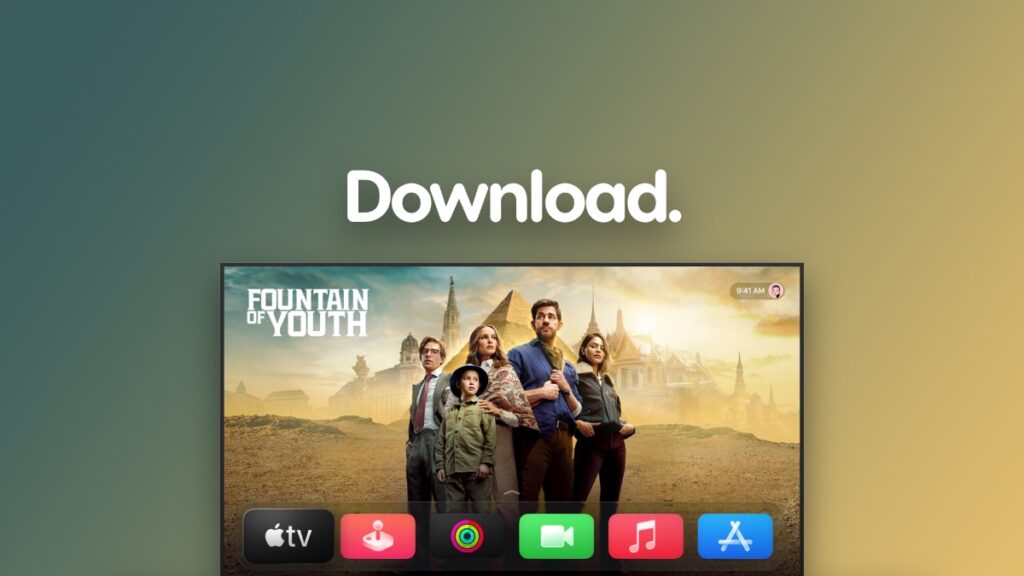

The full and final version of tvOS 26 with Liquid Glass for your Apple TV is now available for download over-the-air.
Apple’s Marvelous tvOS 26 Update with Liquid Glass Now Available for Download on Apple TV Around the World
After a ton of betas and waiting, the final version of tvOS 26 is now available for download. This means everyone can finally enjoy the new UI Apple has been working on throughout the year.
If you ever wanted a visual overhaul on your Apple TV, this is the year we are finally getting it.
Downloading the new tvOS 26 update is super-duper easy, and it works like any other tvOS update. I’ll walk you through the process one step at a time.
Step 1. Turn on your Apple TV.
Step 2. Open the Settings app from your Home Screen.
Step 3. Scroll all the way down and open System.
Step 4. Open Software Updates.
Step 5. Now select Update Software and then follow the on-screen instructions in order to download the tvOS 26 update.
According to Apple, the new tvOS 26 update has the following build number: 23J353
Your Apple TV will restart, and you will see the Apple logo on your TV screen showing you the progress in real time. During the installation, do not change channels, do not turn off your TV, and definitely do not play around with the remote.
Once the installation is complete, you’ll jump straight into tvOS 26 and its beautiful Liquid Glass interface.
However, if you have a very old Apple TV model, you will not see the Liquid Glass UI at all. Do keep in mind that it is limited to recent models only. But since Apple TV gets updated so rarely, chances are high you already have one of the recent models.
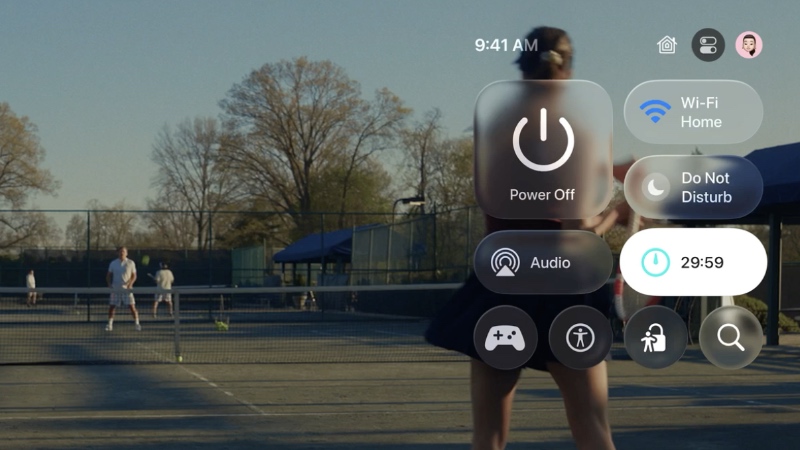
The one place where you can fully enjoy the Liquid Glass UI is the Control Center. Just press and hold the TV button on the Apple TV remote to see it, and immediately you’ll see the beautiful glass effect. It looks even better when there’s something playing on Apple TV.
Improvements to FaceTime are also part of the package, and it’s more consistent with the experience found in iOS 26, iPadOS 26, and macOS 26 Tahoe. Meanwhile, the new Sing in Apple Music transforms your iPhone into a microphone, allowing you to sing along to your favorite songs playing on your Apple TV from your Apple Music library.
You do have the option to clean install tvOS 26 as well, as long as you have the Apple TV HD with a USB-C port on it. You’ll find more details on it posted here.




