


You can download and install the new tvOS 26 public beta on your Apple TV right away and test out Liquid Glass.
Take Liquid Glass for a Spin on Your Apple TV with the new tvOS 26 Public Beta – Download it Now for Free
Liquid Glass is coming to the Apple TV with tvOS 26, and it has a lot of people excited. While the final tvOS 26 update is coming later this year, you can still download the developer or public beta and take the new changes for a spin today.
As usual, you have to go through a couple of things before you even start installing the public beta.
Sign up for the Public Beta
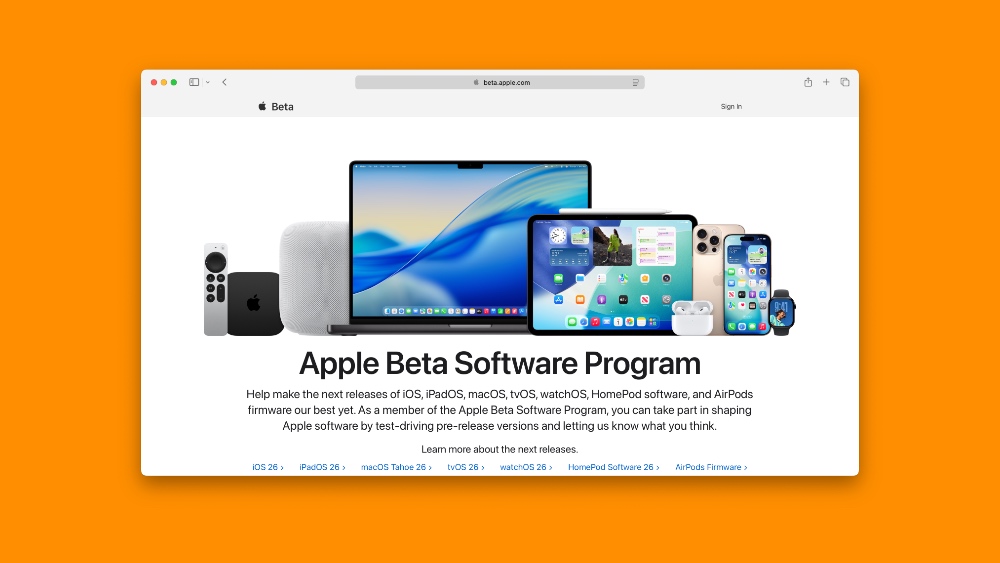
If you’ve already signed up to the beta.apple.com website, then you can skip this step. But if you haven’t, then sign up using your Apple Account, the same one which you are using on the Apple TV on which you want to test out tvOS 26.
All you have to do is click on the Sign In button on the top right, and sign in using your Apple Account. Once done, you’re set to receive public beta updates on Apple TV.
Enable tvOS 26 Public Beta on Apple TV
Step 1. Turn on your Apple TV.
Step 2. Open Settings.
Step 3. Scroll down and open System.
Step 4. Now open Get Beta Updates.
Step 5. Choose tvOS 26 Public Beta from the list.
Download and Install tvOS 26 Public Beta on Apple TV
Step 1. Launch Settings.
Step 2. Go to System > Software Updates.
Step 3. Select Update Software.
Step 4. When your Apple TV tells you that the tvOS 26 public beta update is available, just install it.
Your Apple TV will restart and it may take a while for it to boot up. Once it does, enjoy Liquid Glass.
Downgrade tvOS 26 Public Beta?
As long as your Apple TV has a USB-C port, you can downgrade from tvOS 26 public beta to tvOS 18. You will find all the necessary details posted here.
If you have one of the recent Apple TV models without a USB-C port, then you cannot downgrade back to tvOS 18. You have to download all the beta updates until you’re back on the public release channel later this year.
Given how stable tvOS betas usually are, I wouldn’t worry too much about running beta software on Apple TV.




