

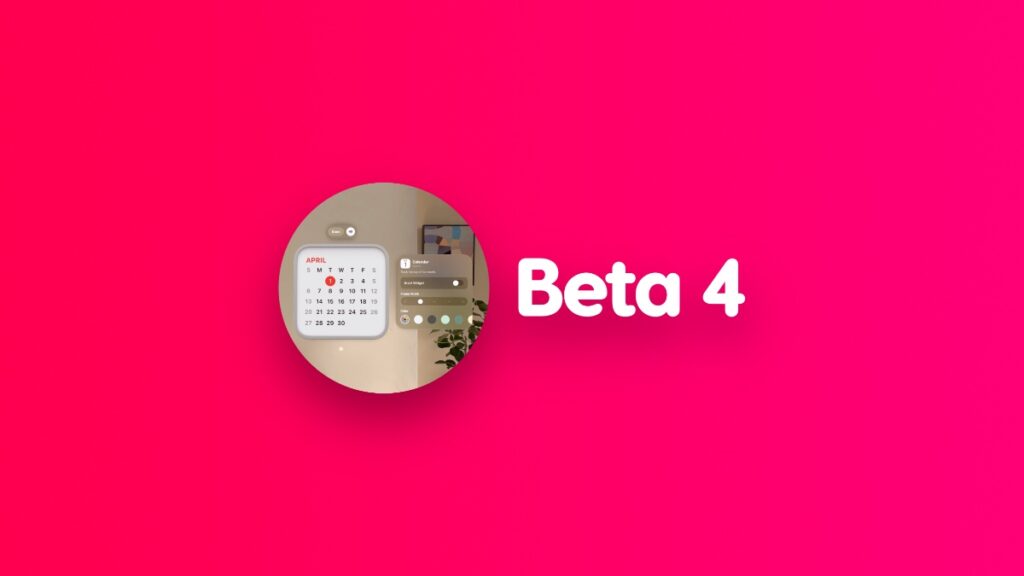

You can download and install the new visionOS 26 developer beta 4 update for the Vision Pro headset right now.
Apple has Released visionOS 26 Developer Beta 4, Download it Today with Bug Fixes and Loads of Other Improvements
visionOS 26 brings with it two important features: Spatial Widgets and enhanced Personas. The first one is particularly important as it truly makes your surroundings come alive.
You can place all your favorite widgets on a wall, and they’ll still be there whenever you walk into a room with the Vision Pro. It truly brings the vision of the spatial computer one step closer to reality.
That future is coming to everyone with a Vision Pro later this year with visionOS 26. For now, we have to pick up that headset and download visionOS 26 beta 4 and make our way to the final build.
In order to download the latest update, developer beta 3 users have to follow these steps:
- Launch the Settings app.
- Go to General > Software Update.
- Look at the Update Now button and pinch.
The new update has a build number of 23M5300g.
Make sure your Vision Pro headset is connected to an AC power source so that it goes through the installation as smoothly as possible. Once the installation is complete, wear your headset and start playing around with those Spatial Widgets you placed all over your place.
Anyone can download the new VisionOS 26 beta on their Vision Pro, and all you need is an Apple Developer Program account. Luckily for everyone, it’s free, and all you have to do is sign up using your Apple Account and then download the update on your Vision Pro.
You’ll find all the details posted here.




