

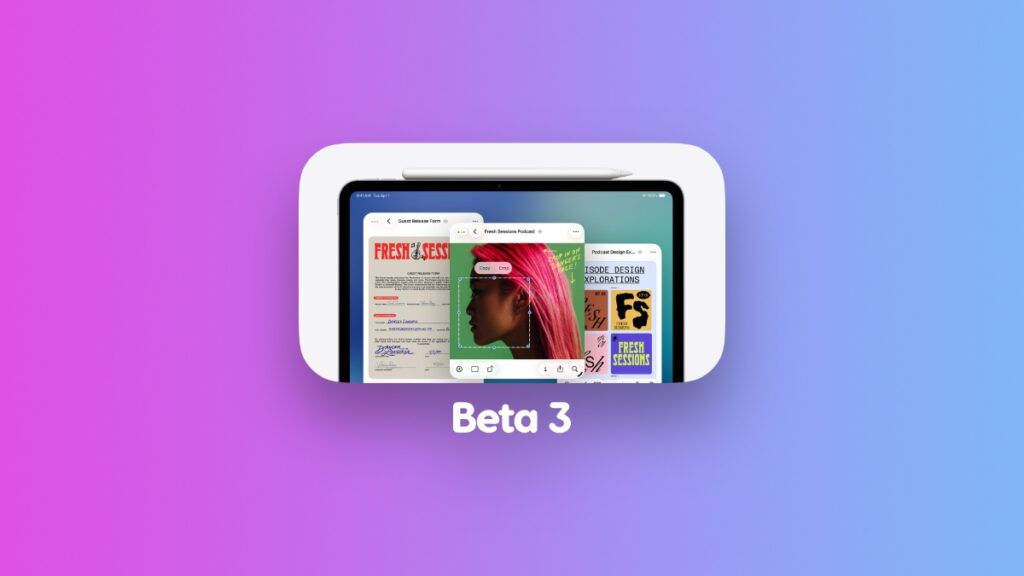

You can download and install iOS 26 and iPadOS 26 developer beta 3 for iPhone and iPad devices over the air.
Apple Releases Beta 3 of iOS 26 and iPadOS 26 for iPhone and iPad with Bug Fixes and Other Refinements
Today, Apple has released the third developer beta of iOS 26 and iPadOS 26, which means you can expect a ton of refinements that make the operating system buttery smooth.
If you already have the second beta installed, you can download the third one right away in just a few taps.
Step 1. Make sure you are connected to Wi-Fi. Go to Settings > Wi-Fi and make sure that you are.
Step 2. Now go to Settings > General > Software Update.
Step 3. Wait for the Software Update page to refresh. When developer beta 3 shows up, tap on Update Now to begin the download.
For some reason, this is a huge update and some users are reporting that it is 11GB in size on some iPhones and iPads.
Your iPhone and iPad will restart and may take a while for the installation to complete.
If you’re interested in installing the iOS 26 or iPadOS 26 on your compatible iPhone or iPad, you will find all the details posted here. But remember, though beta 3 is more stable than ever, it doesn’t mean it’s ready to be used on a daily basis still.
It takes a lot of courage and compromise in order to use beta software like this on a daily basis.
And in case you’re wondering, the Apple Developer Program is absolutely free if you want to download and install iOS 26 or iPadOS 26 beta. I’ve talked about it before, and you only have to pay the $99 fee to Apple if you’re planning to submit an app or game to the App Store.
If history has taught us anything, it’s that the first public beta of iOS 26 and iPadOS 26 should arrive very soon. After all, Apple did say the update will arrive in July, and we’re well into the month, at the time of writing.
Apple has definitely slipped in a few changes in this update and will keep on doing so before it releases the final version of its operating system later this year. If that’s the case today, then you already know I’m going to do a list post on it.
Until my changes list comes out, make sure you update your device to the latest version of iOS 26 and iPadOS 26, so that your iPhone and iPad Liquid Glass experience remains top notch.




