


Apple is still signing iOS 18.6.1 and iPadOS 18.6.1, which means you can downgrade from iOS 18.6.2 and iPadOS 18.6.2 on iPhone and iPad.
Apple is still signing iOS 18.6.1 and iPadOS 18.6.1, which means you can downgrade from iOS 18.6.2 and iPadOS 18.6.2 on iPhone and iPad.
Blood Oxygen feature not working after iOS 18.6.1 and watchOS 11.6.1 update? Try this simple fix to get everything working again.

Want to disable the Mac startup sound on your iMac, MacBook Air, MacBook Pro, Mac mini, and more? You can do that in a single click.
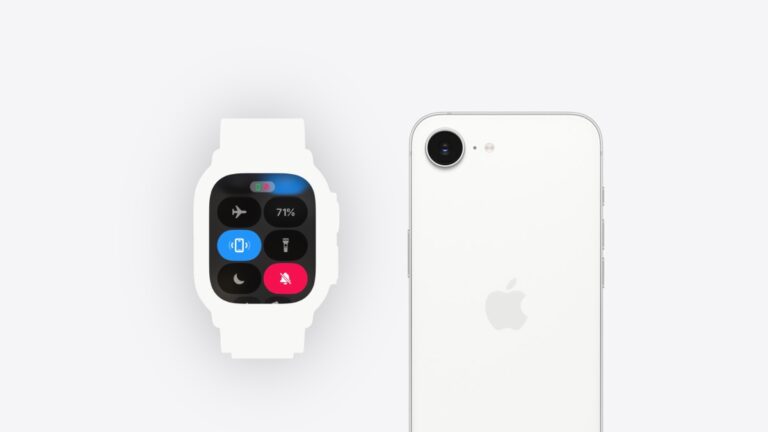
Here’s how you can find your iPhone using Apple Watch and make your phone’s LED flashlight blink at the same time.
Here’s how you can hide the Dock on your Mac for a wonderfully clean look, and get more desktop space for apps too.

You can set the menu bar on your Mac to hide automatically and achieve that perfect minimal and clean look in macOS.
Here’s how you can stop your Apple TV from receiving new tvOS 26 developer or public beta updates right now.
Here’s how you can stop receiving new watchOS 26 developer or public beta updates on your Apple Watch.
You can completely disable and stop receiving new macOS 26 Tahoe developer or public beta updates on your Mac, here’s how.
You still have time to downgrade from iOS 18.6 and iPadOS 18.6 to iOS 18.5 and iPadOS 18.5 on iPhone and iPad. Here’s how you do it.