

![Best Cases for iPhone 17 Pro and iPhone 17 Pro Max [List]](https://www.anotherapple.com/wp-content/uploads/2025/09/iphone-17-pro-cases-list-768x432.jpg)

These are the best iPhone 17 Pro and iPhone 17 Pro Max cases available right now in order to protect yourself from scratches.
These are the best iPhone 17 Pro and iPhone 17 Pro Max cases available right now in order to protect yourself from scratches.
iOS 26 includes a new full-screen screenshot interface, but you can get the iOS 18-style preview back on iPhone in a few steps.
Here are the best tempered glass screen protectors for your iPhone 17 Pro with a 6.3-inch display, and iPhone 17 Pro with a 6.9-inch display.
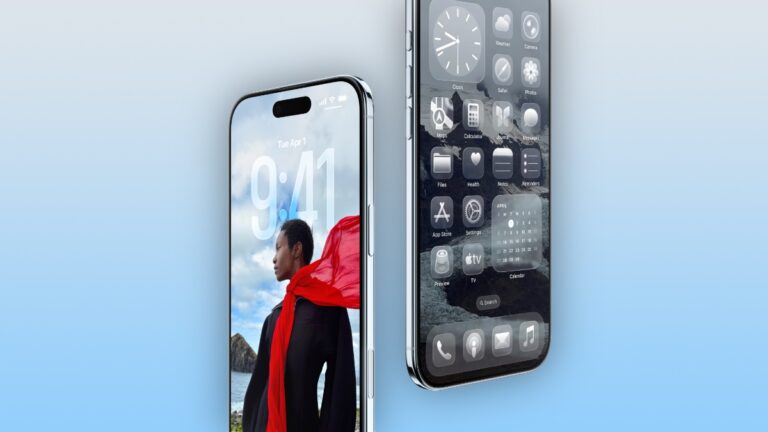
Here the top 3 tempered glass screen protectors you should get for your new iPhone Air smartphone with a 6.5-inch display.
These are the best and only screen protectors you should get for your new 6.3-inch Apple iPhone 17 smartphone.
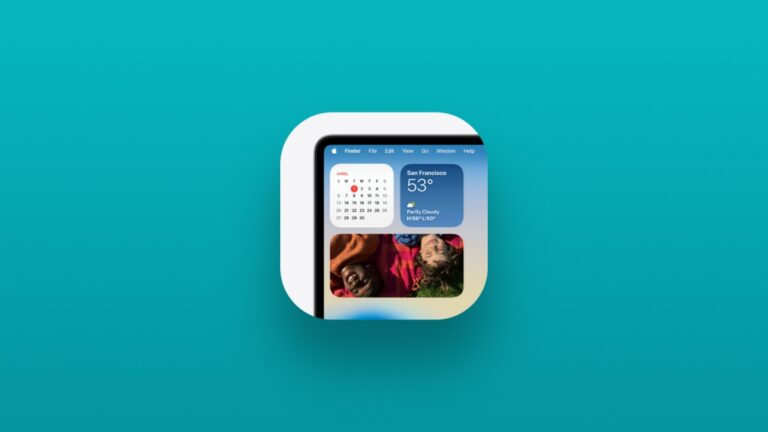
Don’t like the transparent look? You can enable the menu bar background in the latest macOS 26 Tahoe update for the Mac.
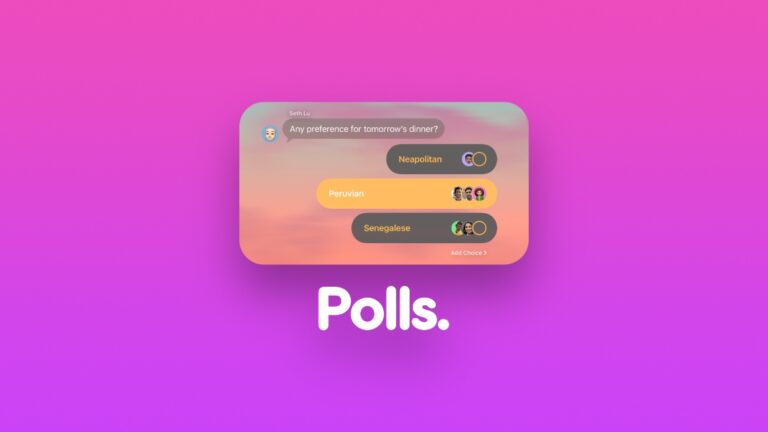
Today I will show you how to create polls in the latest Messages app in iOS 26, iPadOS 26, and macOS 26 Tahoe on iPhone, iPad, and Mac.
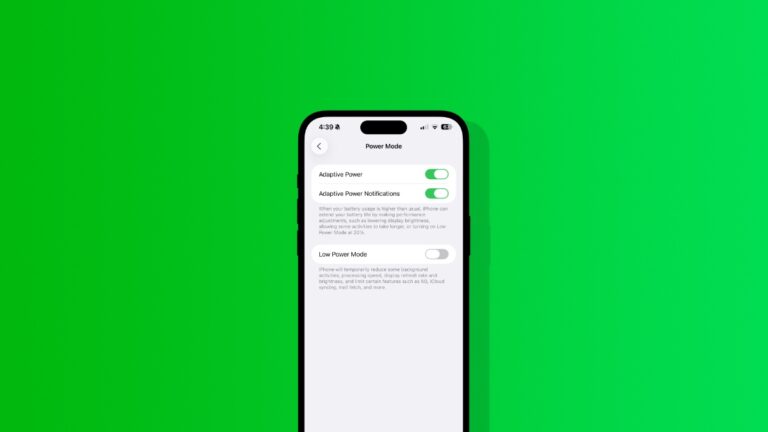
Here’s how to enable the new Adaptive Power mode in the latest iOS 26 update for iPhone, and why it isn’t available on some devices.
macOS 26 Tahoe lets you change the background of a chat thread in the Messages app in just a few clicks. Here’s how it works.
You can downgrade your Apple TV from tvOS 26 to tvOS 18 for a limited time only. This is applicable to the Apple TV HD model only.