



Your iPhone lets you record and transcribe an entire phone call. Here’s how you can set it up and use it.
Your iPhone lets you record and transcribe an entire phone call. Here’s how you can set it up and use it.
iOS 18.2 and iPadOS 18.2 final update will be available to download this week. Here are 2 things you should do before the update goes live.
Writing Tools lets you summarize any text or paragraph on your iPhone, iPad and Mac. Let me show you how.
Here’s how you can delete all HomeKit Secure Video camera recordings using your iPhone, iPad, and Mac.
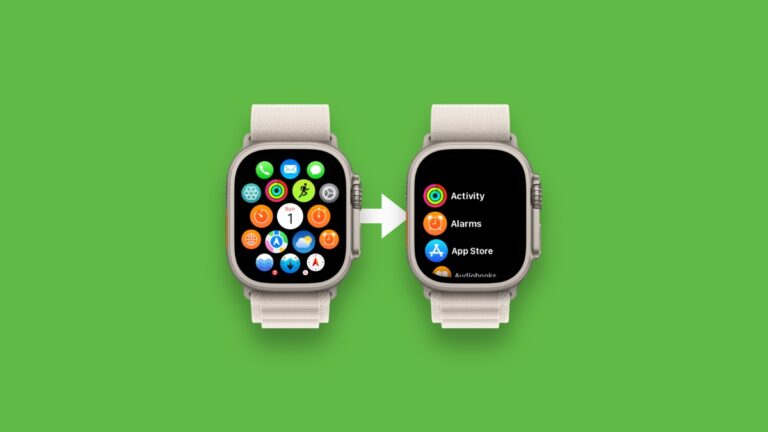
You can switch the watchOS 11 Home Screen on Apple Watch from Grid View to List View and vice versa.
If you are new to iOS 18 and iPadOS 18 and wondering where the Messages option is in the Settings app, it’s still there, just a menu deeper.
Here’s how you can erase and format an external drive or SD card to APFS, exFAT, or MS-DOS (FAT) using the Files app on iPhone and iPad.

Transfer to HomePod feature not working when you bring your iPhone close to the speaker? Here’s how to fix it.

Don’t have Apple Intelligence? Don’t worry, here are the best Writing Tools alternatives for iPhone and iPad devices.
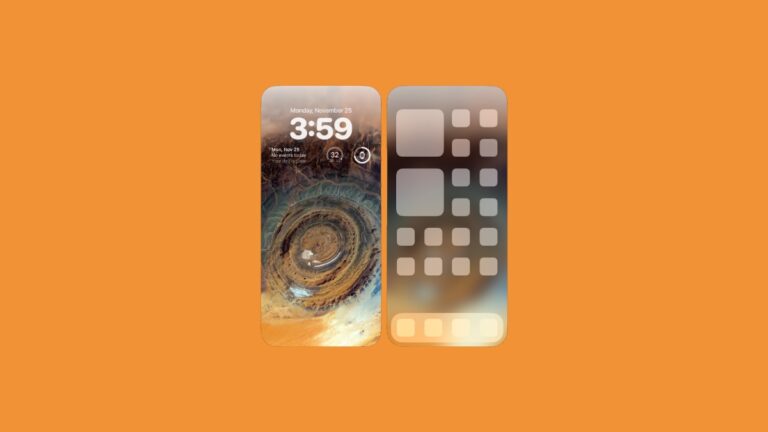
Today I’m going to show you how you can blur the Home Screen wallpaper on your iPhone and iPad running iOS 18 and iPadOS 18.