


How to Clean Install macOS 26 Tahoe on Apple Silicon Mac

Here’s a detailed tutorial on how to download and clean install macOS 26 Tahoe software update on an Apple silicon Mac.
Veteran technology reporter that writes about iPhone, iPad, Apple Watch, Mac and Vision Pro. For any queries you can contact me at: uzair[at]anotherapple[dot]com
Here’s a detailed tutorial on how to download and clean install macOS 26 Tahoe software update on an Apple silicon Mac.
Here’s how you can download and install the full and final version of macOS 26 Tahoe on your iMac, MacBook Air, MacBook Pro, and more.
Looking for the iOS 26 and iPadOS 26 IPSW firmware files? You can download them here for all compatible iPhone and iPad models.
Here’s a detailed tutorial on how to clean install the latest iOS 26 and iPadOS 26 final updates on your iPhone and iPad.

Here’s how you can download and install the new iOS 26 and iPadOS 26 updates over the air (OTA) on your iPhone and iPad.
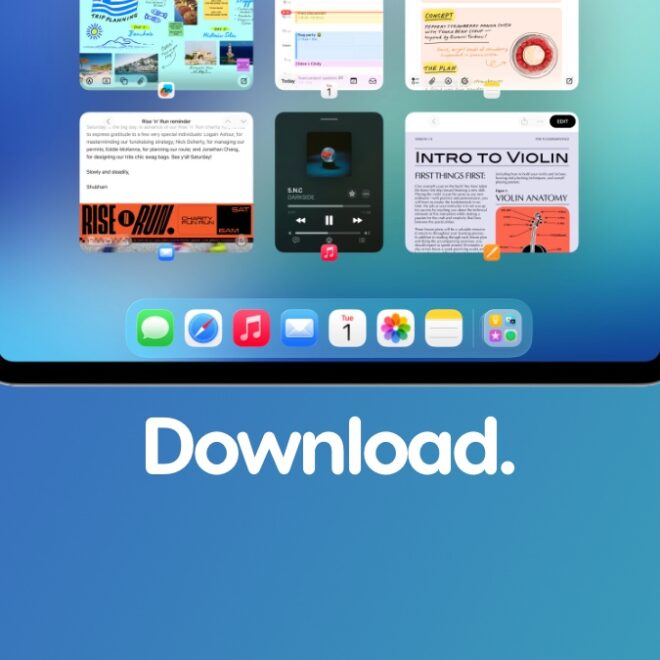
Apple has released the final version of iOS 26 and iPadOS 26 updates for iPhone and iPad, and they’re available to download now.

iOS 26 and iPadOS 26 lets you customize and change the background in the Messages app and I’ll show you how.

Today I will show you how you can enable and set clear app icons in iOS 26, iPadOS 26, and macOS 26 Tahoe in a few steps.
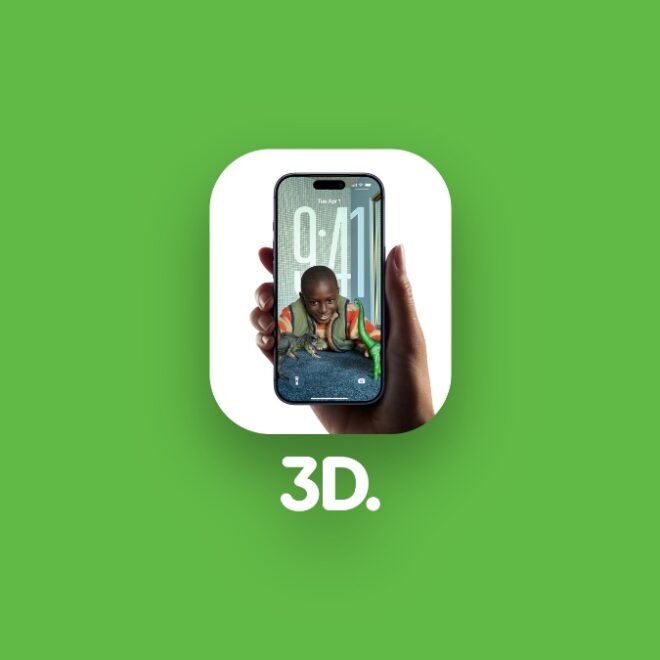
iOS 26 and iPadOS 26 lets you convert any photo into 3D with a press of a button, and I’ll show you how it works.

I’m quite certain that your Mac feels slow after installing macOS 26 Tahoe. Disable FileVault and you’ll be just fine.