
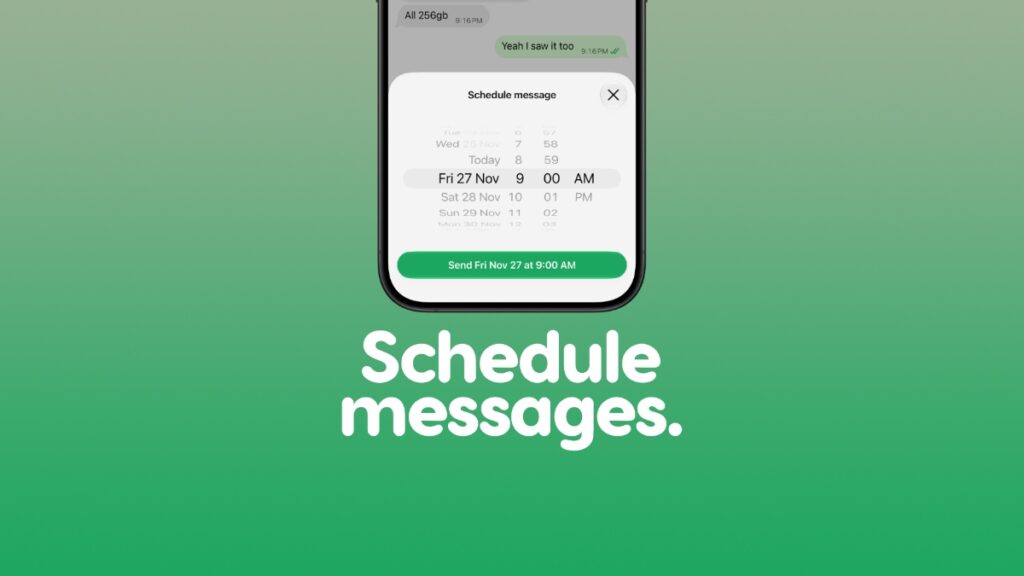

Here’s how you can schedule messages for later on WhatsApp for iPhone and iPad, and never ever miss those birthday wishes.
Latest WhatsApp Update for iPhone and iPad Lets You Schedule Messages for Later
With the recent update to the official WhatsApp app for iPhone and iPad, you can schedule messages for later. Again, only if you have the latest version installed. I suggest you install it immediately too.
Scheduling a message is pretty straightforward as well, and once you’ve tried it, you’ll become a pro immediately. Pick up your iPhone or iPad, and follow along:
Step 1. Launch the WhatsApp app.
Step 2. Open any conversation thread.
Step 3. Type the message you want to schedule.
Step 4. Tap and hold on the send button.
Step 5. Select the date and time, and then tap on the big green button at the bottom.
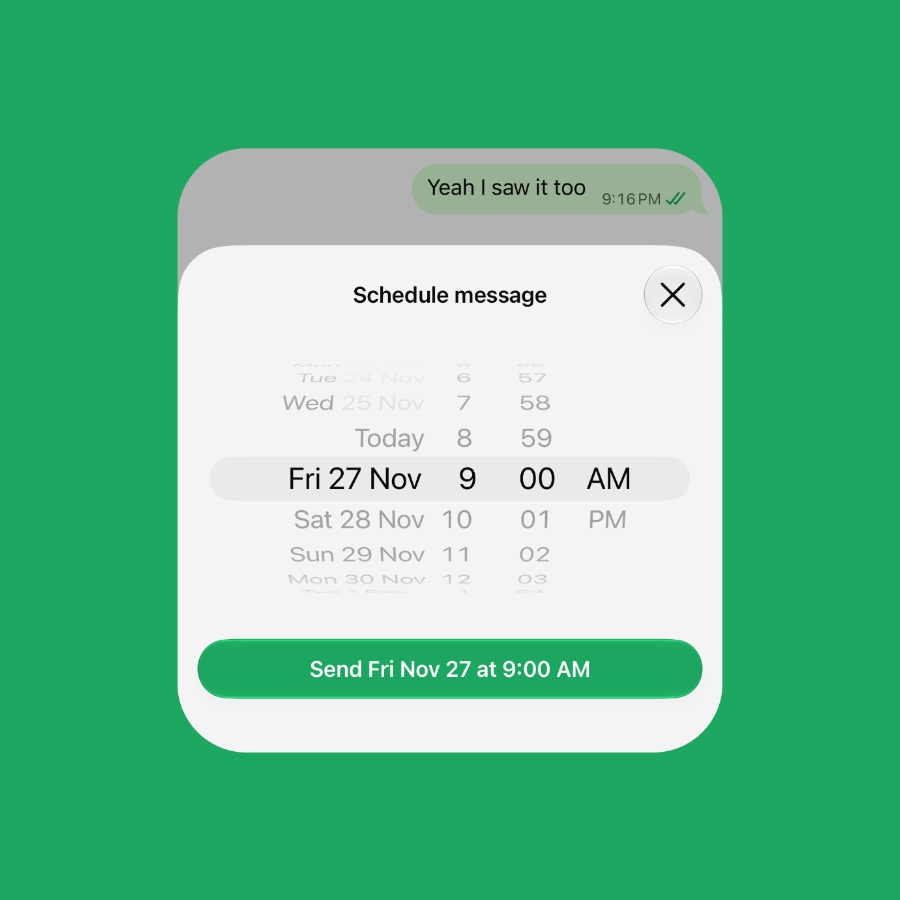
Whether it’s a text, a sticker, a photo, a video, anything at all, you can schedule it for later. But of course, you’re going to use this feature to never ever miss those birthday wishes, so go ahead and start scheduling them immediately before you start missing them again.