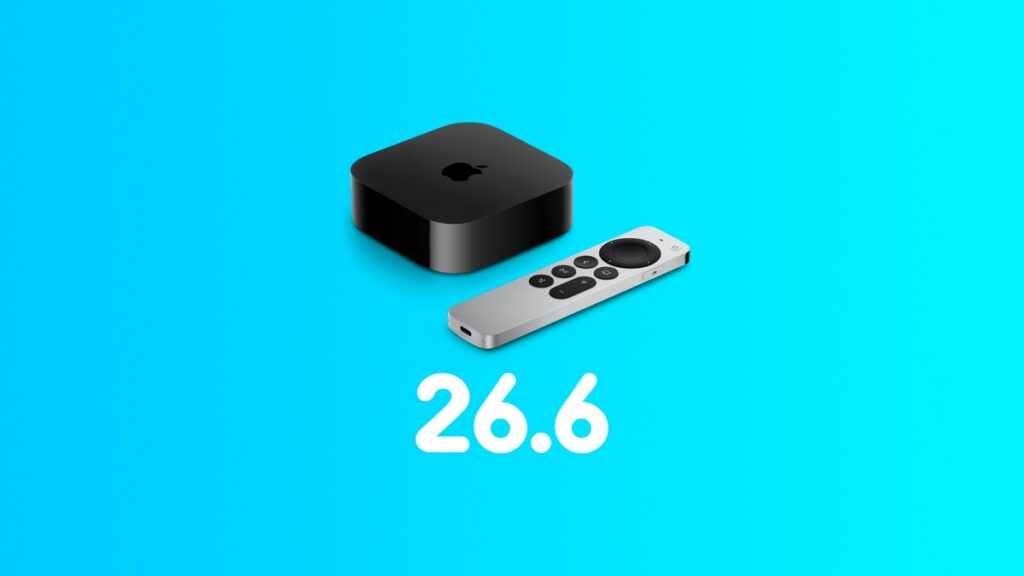

Fresh out of the oven, the tvOS 26.6 update is now available for download on Apple TV with lots of bug fixes.
Final Version of tvOS 26.6 Arrives on Apple TV with Bug Fixes and Security Updates
Apple is solidifying the foundations of tvOS 26 with the release of the tvOS 26.6 update. It is packed with lots of bug fixes, and it is important that you go right ahead and download it onto your Apple TV immediately.
In order to download and install the tvOS 26.6 update, here’s what you have to do on your Apple TV:
- Turn on your Apple TV.
- Launch the Settings app.
- Scroll down and open System.
- Open Software Updates.
- Now open Update Software and install the tvOS 26.6 update.
If you installed tvOS 26.6 RC last week, then you do not have to worry about this update on Apple TV.