

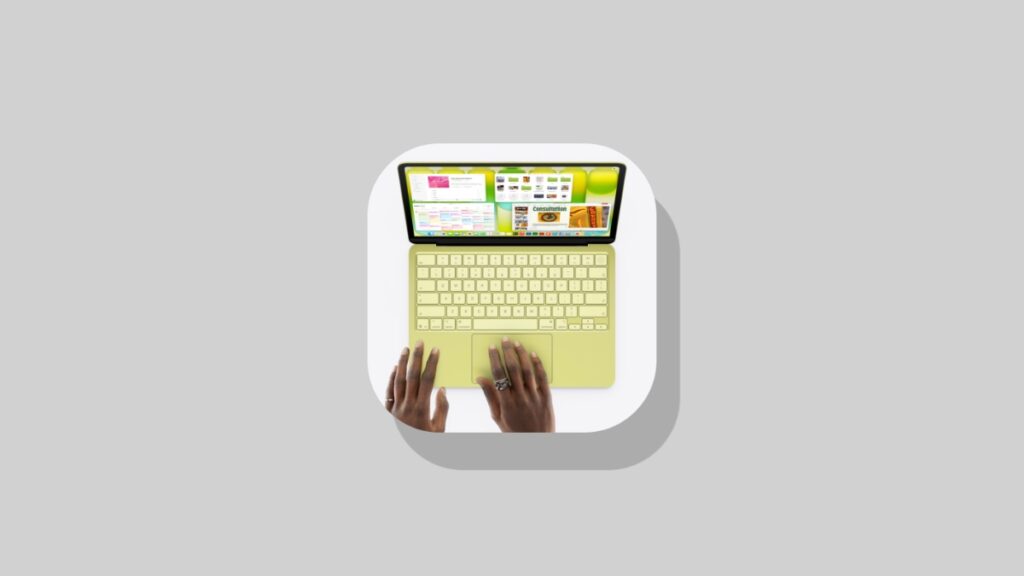

The MacBook Neo is now on sale around the world, and here are the best accessories you should get for it immediately.
Just Got Your MacBook Neo? Make Sure You Have All the Right Accessories for it On Day One
It’s an exciting day, because for a lot of people, the MacBook Neo is going to be their first-ever Mac. I’m sure you are looking forward to doing a lot of amazing things on it, but first, let’s talk about accessories which you should get for it.
Spare Charger for MacBook Neo
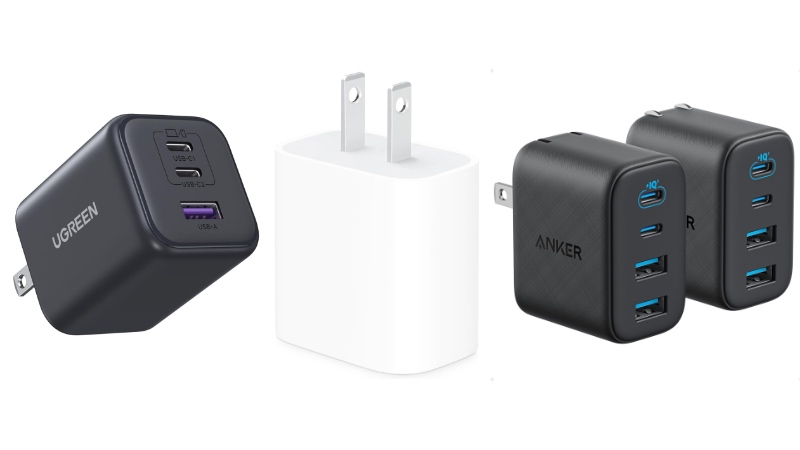
The MacBook Neo does ship with a 20W charger, but I will highly recommend getting another one for the road, or maybe even your bedside table. There are plenty to choose from, ranging from Apple’s own 20W charger, to a multiport USB-C one so that you can charge two things at the same time.
Buy Apple 20W USB-C Compact Power Adapter
Buy Anker Zolo Charger (50W, 4 Ports)
Buy UGREEN 45W GaN USB-C Charger (3 Ports)
Maybe Get a Screen Protector

You really don’t need a screen protector for your MacBook Neo at all. But if you find yourself in places where people constantly touch the display, then it’s better to invest in one, just in case.
Buy Tempered Glass Protector for MacBook Neo
Buy Pixora Matte Screen Protector for MacBook Neo
Definitely Get a USB-C Cable
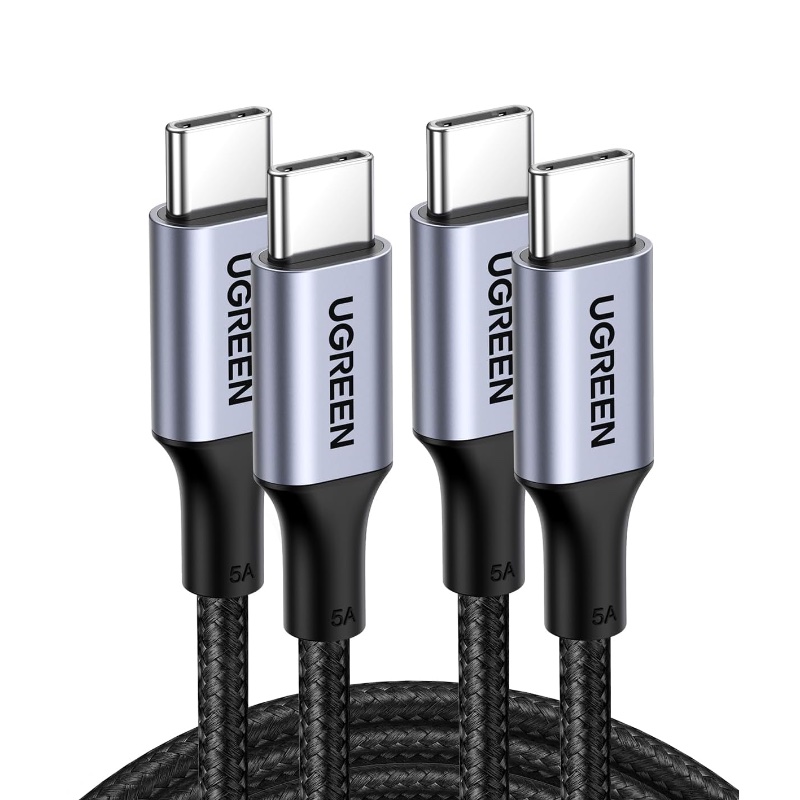
Your MacBook Neo already comes with a USB-C cable, and it’s wise to buy a spare one just in case. You know, an extra cable which you can take with you to different places while the original one sits at home.
Buy LISEN USB-C Cables 5 Pack
Buy Anker USB-C cables 2 Pack
Buy UGREEN USB-C Cables 2 Pack
Get a USB-C Hub
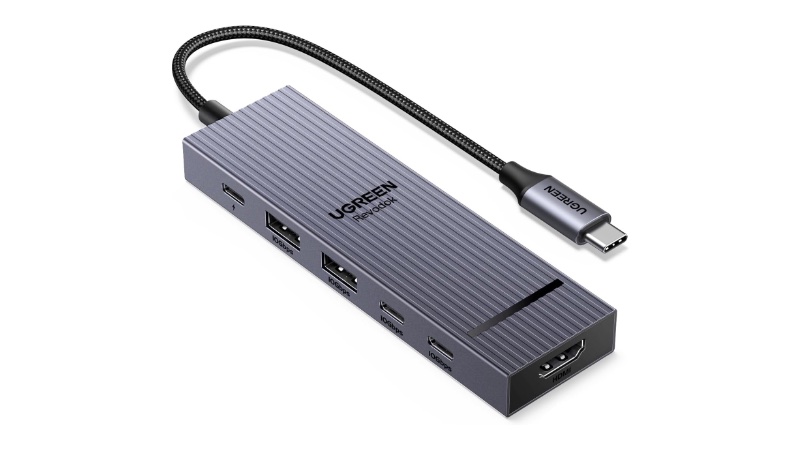
If you’re coming from a Windows laptop with USB-A and HDMI ports, then you definitely need a USB-C hub to add those missing ports to the Neo. There are plenty to choose from, and I’ve linked the ones that offer the best value and number of ports.
Buy UGREEN Revodok Pro 6-in-1 USB-C Hub
Buy 7-in-1 USB-C Hub
Of all the things listed above, I will recommend investing in an extra charger and cable the most. You can skip the screen protector since the Neo’s lid will protect the display anyway, whereas the USB-C hub may come in handy when you’re taking the notebook to school or college.
Disclaimer: AnotherApple makes a small commission from anything sold using the included links.




