

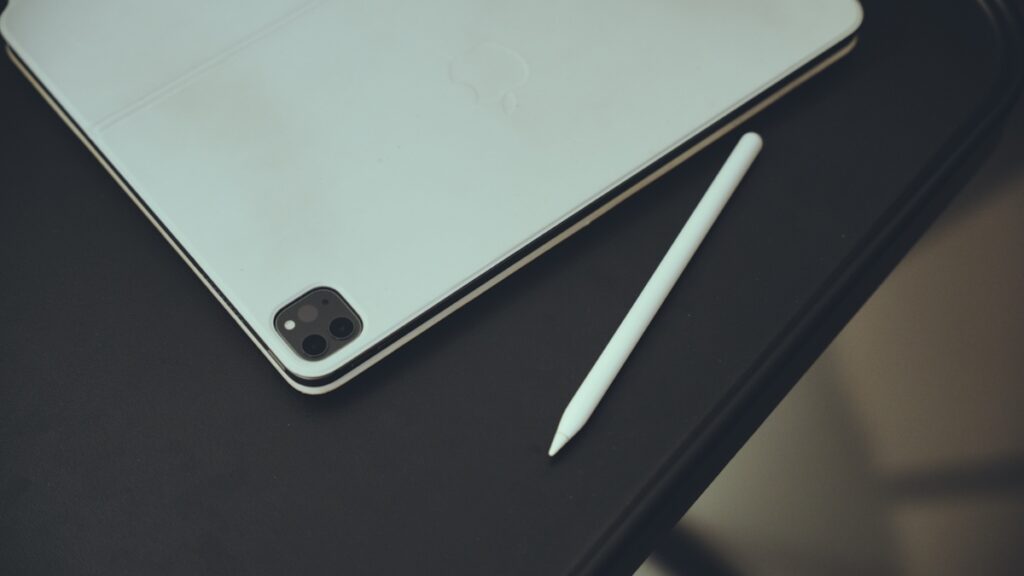

While the Apple Pencil looks cool attached to your iPad, it’s eating away battery life, leading to subpar standby and usage time.
Don’t Leave that Apple Pencil on Charge All the Time on iPad, It Takes a Huge Toll on Battery
My iPad standby and usage time is not good. It’s unacceptable, requires a daily charge, and I’m convinced it’s due to the aging battery inside it.
I have two iPad models – one is the 11-inch M1 iPad Pro with cellular, and other is the same, just with a 13-inch display. Both are connected to the Magic Keyboard, and of course, the Apple Pencil.
Both iPads had terrible battery, until something interesting happened a while ago.
The Apple Pencil on my 11-inch iPad Pro stopped working. It randomly lost its charge while magnetically attached to the iPad, forcing me to detach it and re-attach it again. But eventually, I removed the Apple Pencil completely from it and stowed it away in a drawer, because Pencil losing its charge while attached to iPad is a sign of failure.
The first thing I noticed on my 11-inch iPad Pro was how much the battery life improved – a little too much, actually. At this point, I blamed the faulty Apple Pencil for poor battery life.
However, just to make sure I wasn’t seeing random improvements, I removed the Apple Pencil from my 13-inch iPad Pro as well, un-paired it and put it away in a drawer as well.
Lo and behold, the larger iPad Pro gained back a lot of its standby and usage time. And since I’ve been using the 13-inch model with Apple Pencil from day one, the improvement in battery life felt even greater than the 11-inch model.
I was actually shocked how much battery I manage to regain just by removing the Apple Pencil alone. It’s an accessory that is rarely used, but there a couple of things we forget about how it operates.
First of all, the Pencil maintains a constant Bluetooth connection with your iPad. Secondly, it literally uses your iPad’s battery to charge itself up when not in use.
Your iPad smartly drains your Apple Pencil battery and charges it to full from time to time, making sure the battery stays health and not at 100% all the time.
Since wireless charging isn’t the best and most efficient way to charge things up, and a constant wireless connection also uses battery, it makes sense why iPad loses so much power at the end of the day just managing an unused Apple Pencil.
So, what do I recommend? If you know for sure that your Apple Pencil usage is extremely low, just un-pair it from your iPad and put it away until you actually need it. There’s no point in keeping it attached and on charge all the time, and I learned that over a course of a few years.
If your Apple Pencil battery does hit 0% and you need it in an emergency, just a ten-minute charge is enough to get you up to speed.
Listen, I know that Apple Pencil looks so cool attached to your iPad as it completes the ‘look.’ But the overall toll it takes on battery life is not worth it.




