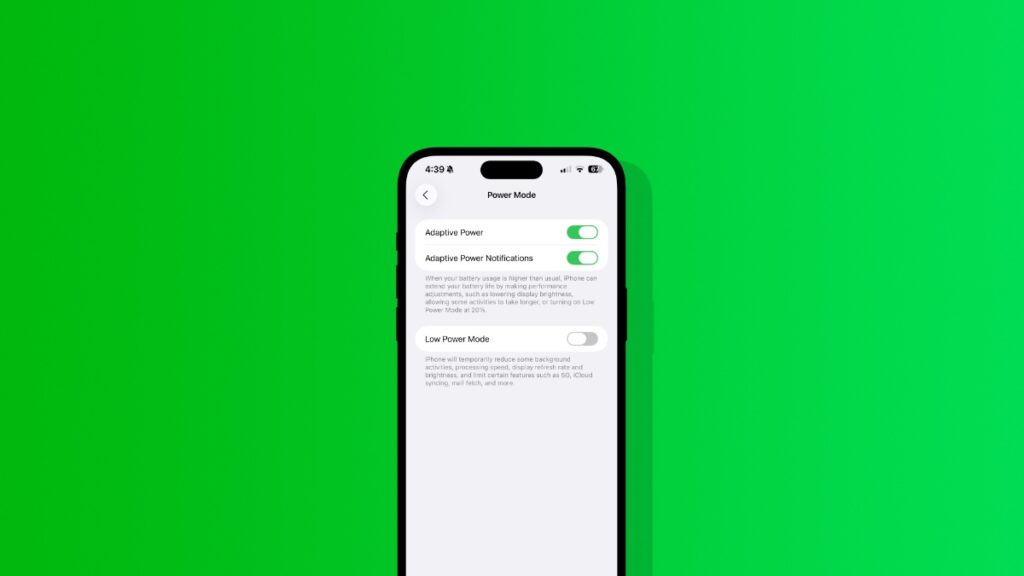

Here’s how to enable the new Adaptive Power mode in the latest iOS 26 update for iPhone, and why it isn’t available on some devices.
Apple’s New Adaptive Power Feature in iOS 26 Aims to Improve Battery Life, Enable it Today on Your iPhone
On the iPhone Air, Apple is using a special software feature called Adaptive Power to improve battery life. Turns out, it’s an iOS 26 feature, and it is available on other iPhone models as well.
Interestingly, if you buy an iPhone 17, iPhone 17 Pro, or iPhone Air, the feature is enabled by default as well. If it’s that way, then it’s definitely improving something on the iPhone in terms of battery life.
If you just installed iOS 26 and want to take Adaptive Power for a spin and get improved battery life, then here’s what you have to do:
Step 1. Launch the Settings app.
Step 2. Open Battery.
Step 3. Scroll down and you’ll see Power Mode. Tap to open it.
Step 4. Enable the Adaptive Power toggle switch at the top.
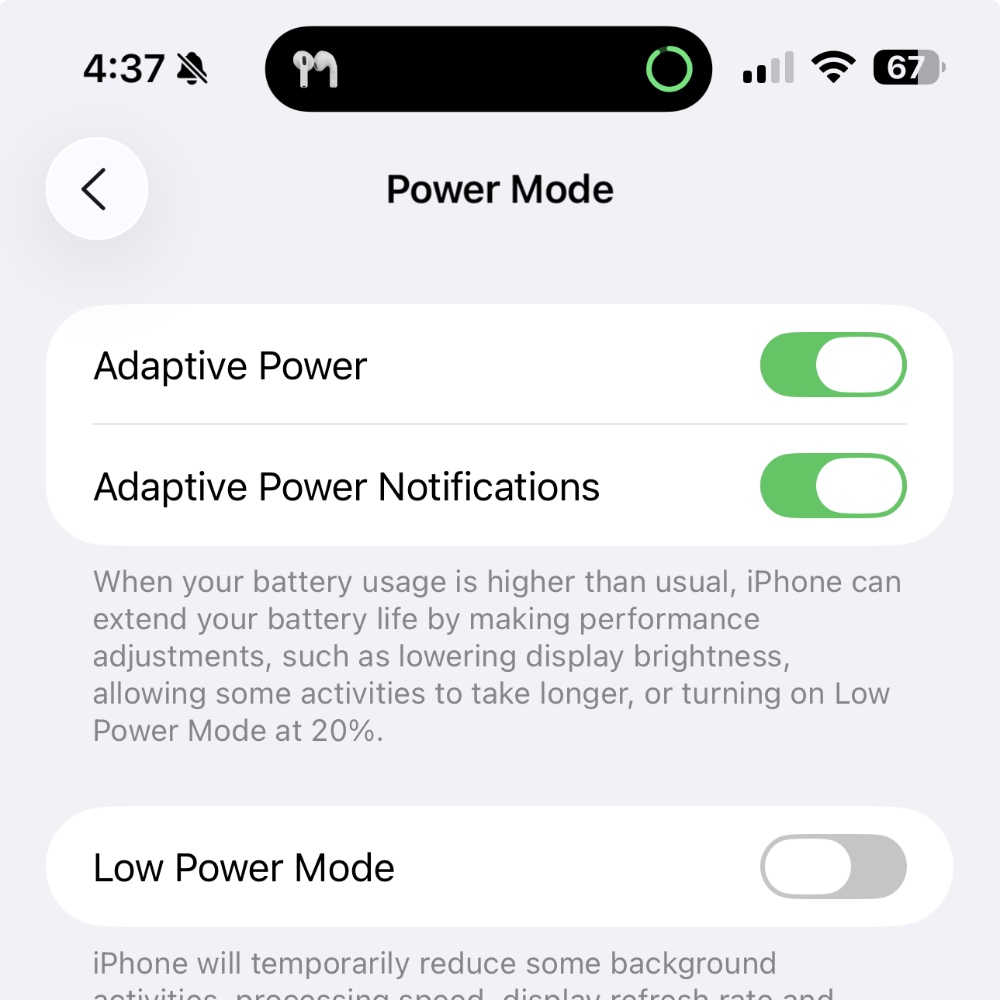
Once this is enabled, your iPhone will actively make power adjustments to ensure improved battery performance. This means background tasks may be paused in some instances, brightness may be lowered, and Low Power Mode will turn on at 20% or less battery.
If you’re reading this and wondering why this feature isn’t available on your iPhone, that’s because your iPhone does not support Apple Intelligence. Since Adaptive Power relies on AI, therefore iPhone models older than iPhone 15 and iPhone 15 Plus won’t get this feature.
At the time of writing, I’ve been actively using this feature, and so far I haven’t seen much improvement. But I’m definitely seeing improved standby performance from my iPhone 15 Pro Max, even though it’s an old iPhone model at this point.
It’s best to just leave this feature turned on. It won’t do you any harm, and if it gives you a few minutes of extra battery life on a daily basis, that accounts to several hours in a year. There’s absolutely nothing to worry about.