

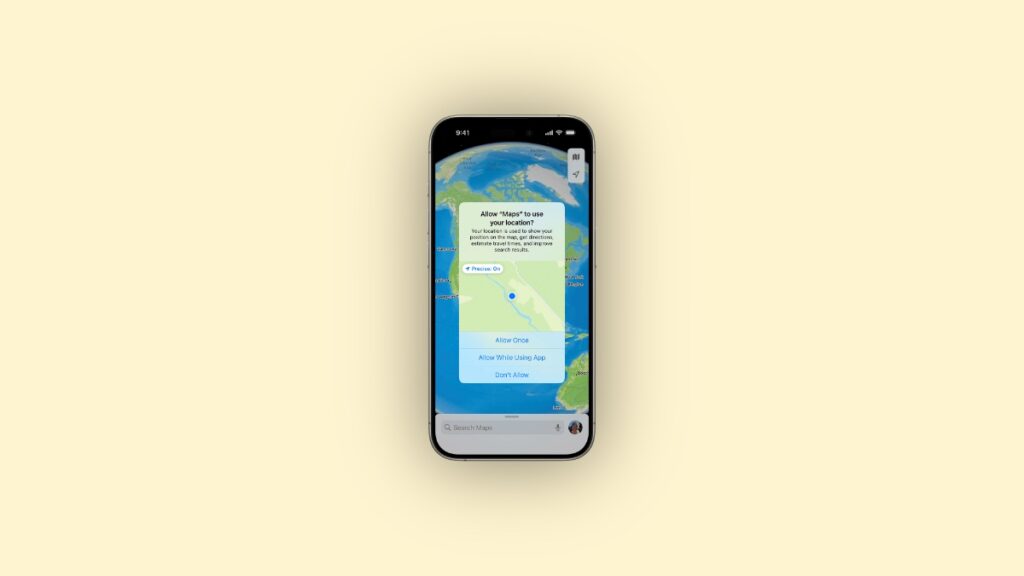

You download a new iOS or iPadOS app, you’re excited, but that excitement goes down the drain when the first permission pop-up appears.
Photos, Camera, Location, You Name it, There’s a Pop-up for Everything in iOS and iPadOS
There was a time when you would just download an app and start using it normally. You could upload an image from your iPhone, or instantly see which contacts are also using that service. It was pretty neat.
Now, in the name of privacy, there’s a permission pop-up for everything.
About to share your first-ever story on Instagram? Make sure you give the app permission to use the camera, microphone, and your photo library.
Want to add the location to your Story? Make sure you give necessary location permissions too.
Oh, your ride hailing app is not working? Maybe because a pop-up showed up asking for location access, and you mistakenly selected ‘Don’t Allow’.
Did you just search for something on Google using Safari? Make sure you give the website location permission every single time.
What makes it even worse is how the permission pop-up will appear again after a few days reminding you of the permission you gave to a certain app.
There are up to 18 different types of pop-ups you’ll have to deal with in the course of using an iPhone or iPad. This number will only get bigger with time.
I know these pop-ups are extremely important since they give the user more control over what’s being shared. But what happened to that seamless user-experience in which you just tap a button and something would happen and you wouldn’t have to deal with anything else in between?
How about this instead: you launch the app for the first time, and it walks you through all the permissions it will need and you just agree or disagree to it, nothing else. You never ever see those pop-ups again.
This reminds me of the time when Windows Vista did a similar thing with a feature called User Account Control. After all those years we’ve simply normalized these awful permission pop-ups.




