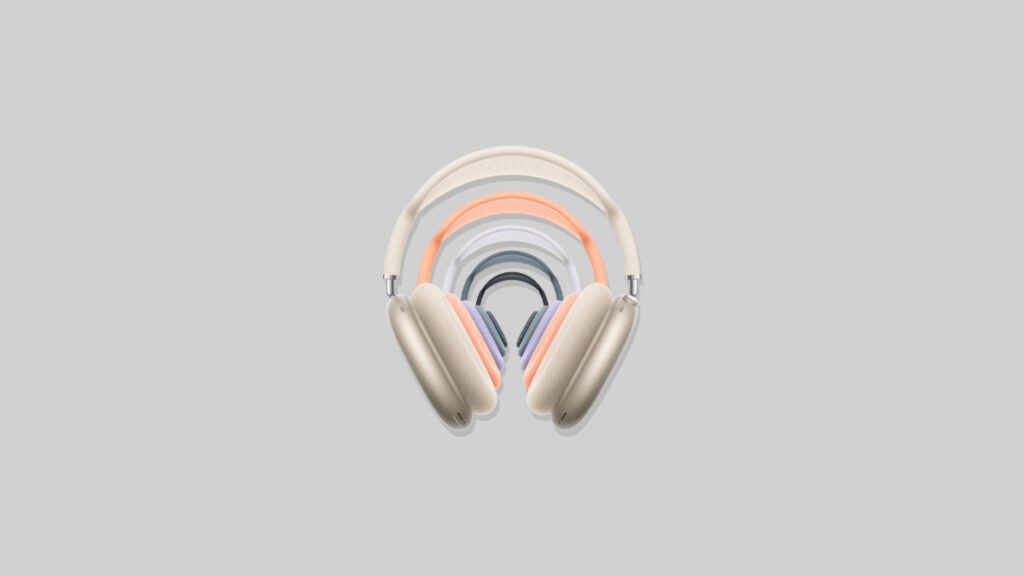

The moment you get your new AirPods Max 2 headphones, a new firmware, version 8E251, will be available for download.
Apple Releases Firmware 8E251 for AirPods Max 2, You Can Download it Manually
If you have decided to let AirPods Max 2 handle all your Apple ecosystem audio needs, then your new pair of headphones should be at your doorstep any time now.
Although you will be able to listening to everything and anything immediately, you should know that there is a new firmware update available for your new headphones as well.
The new firmware, version 8E251, is available to download over the air, and is likely just a bug fix and stability release. You don’t have to do anything in order to install the firmware onto your headphones. It will download and install on its own in the background.
Thankfully, you can force the update onto your AirPods Max 2 by simply pairing them with your iPhone, iPad, or Mac, plugging them in to charge using a USB-C cable, and the update should install by itself in about 30 minutes or so.
In order to confirm which firmware is installed on your AirPods Max 2, just connect them to your iPhone, iPad, or Mac, launch the Settings app, choose your AirPods from the left, and check Version.