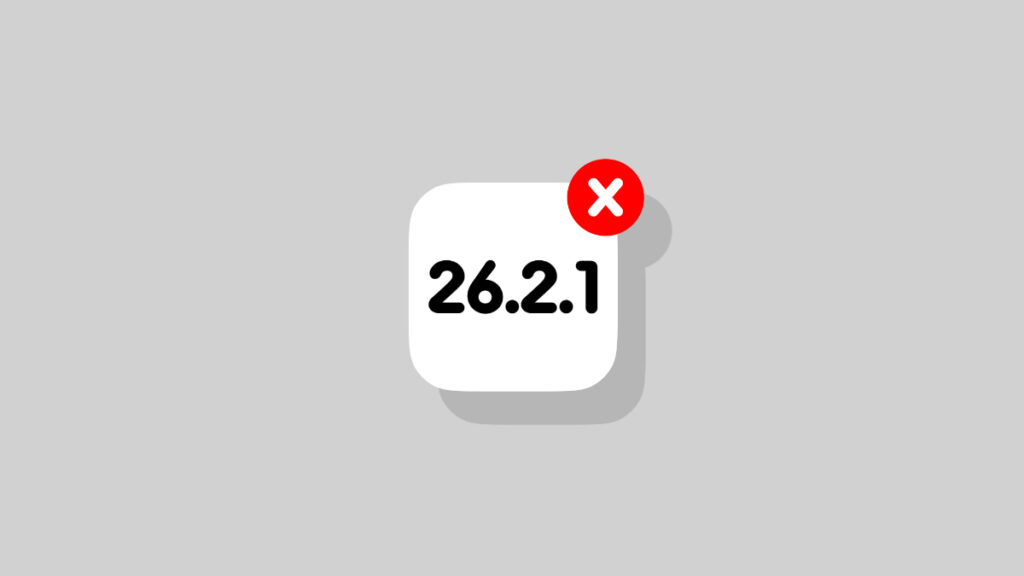

Just a while back, Apple stopped signing the iOS 26.2.1 and iPadOS 26.2.1 firmware updates for iPhone and iPad.
Apple No Longer Signing iOS 26.2.1 and iPadOS 26.2.1, Downgrade from iOS 26.3 and iPadOS 26.3 No Longer Possible
Once a firmware is no longer being signed, you cannot downgrade to it directly. This means if you were planning to downgrade from iOS 26.3 or iPadOS 26.3, it is no longer possible.
If you’re already on iOS 26.2.1 or iPadOS 26.2.1, and want to avoid any new update, you have to do it manually. Just make sure automatic updates are turned off by going to Settings > General > Software Update > Automatic Updates so that updates don’t download and install in the background.
Given how many bug fixes and improvements iOS 26.3 and iPadOS 26.3 bring to the table, it’s best that you download them right away on your iPhone and iPad. There are several tests floating around that suggest the latest update improves battery life on old iPhone and iPad models too.
But more importantly, 26.3 includes a ton of security fixes as well. If you care about device security and privacy a lot, then that’s reason enough to go ahead and install any latest update from Apple.
If you’re seeing sudden loss in performance after installing the latest update, you can always give a clean installation a try as well. Thankfully, the process is very, very easy to go through, especially if you have a fast internet connection. The only downside is that your iPhone and iPad will become unusable for a while.
You can try the clean installation method by going to this link. Just make sure that you backup everything before doing this, because you will lose your files and settings.