

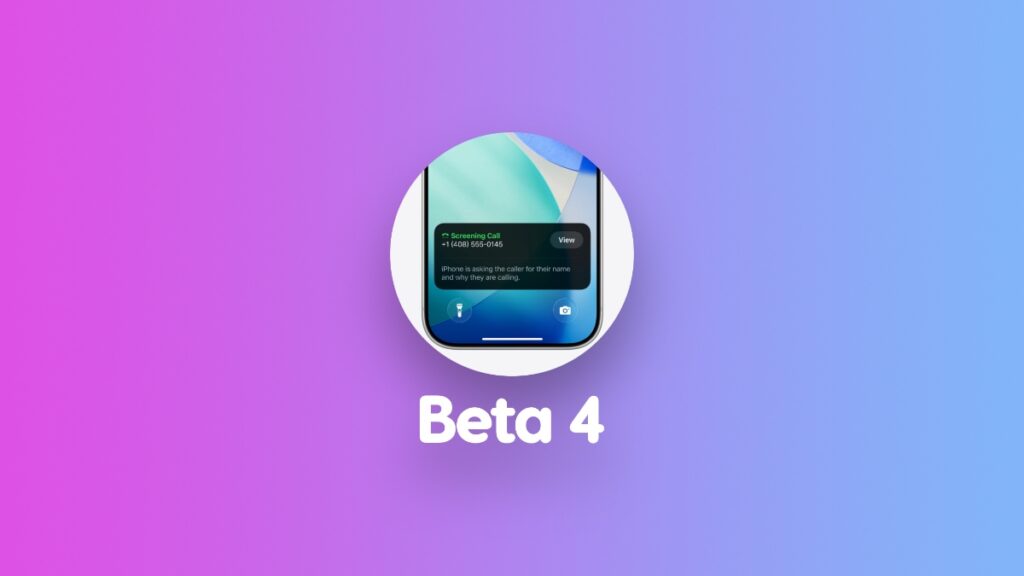

Apple has just released iOS 26.1 and iPadOS 26.1 developer beta 4 for iPhone and iPad. Install it today for bug fixes and other improvements.
Download and Install iOS 26.1 and iPadOS 26.1 Developer Beta 4 for iPhone and iPad
The newly released update has the build number 23B5073a. You can download it right now over the air on your iPhone and iPad if you have been testing out iOS 26.1 beta on your device already.
In order to download the update, all you have to do is go to Settings > General > Software Update. Once here, give the page a few seconds to refresh, and then tap on Update Now.
At the time of writing, Apple hasn’t released the public beta version of the update, and users testing out public beta 3 should see it arrive either later today, or tomorrow.
Interestingly, this new update adds a toggle that lets users control Liquid Glass transparency. A bold move from Apple, most definitely.
You will find the new option in Settings > Display & Brightness > Liquid Glass. From here, you can choose between Clear and Tinted. The latter offer a more iOS 18-style look, while the former maintains what we currently have on iPhone and iPad.




