


Apple has released iOS 26.1 and iPadOS 26.1 RC with build number 23B82 for iPhone and iPad. Here’s how you can download it right now.
iOS 26.1 and iPadOS 26.1 RC / Release Candidate is Now Available for Download for Both Developers and Public Beta Testers
If you’re a developer or a public beta tester, Apple has released iOS 26.1 and iPadOS 26.1 RC (release candidate) just now. This is the potential final version of the software that will likely be released to everyone next week.
In order to download the update right now, if you’re enrolled in the Apple Developer Program or the Beta Software Program (public beta) already then simply go to Settings > General > Software Update.
As the page is done refreshing, you’ll see iOS 26.1 and iPadOS 26.1 RC right away for download. Just tap on Update Now, and away you go.
In fact, anyone can download the install the new update on their iPhone or iPad. Just sign up to the public beta by going to beta.apple.com. Once here, sign in using your Apple Account, the same account you are currently using on your iPhone and iPad.
Once done, go to Settings > General > Software Update > Beta Updates, and then select iOS 26 Public Beta or iPadOS 26 Public Beta.
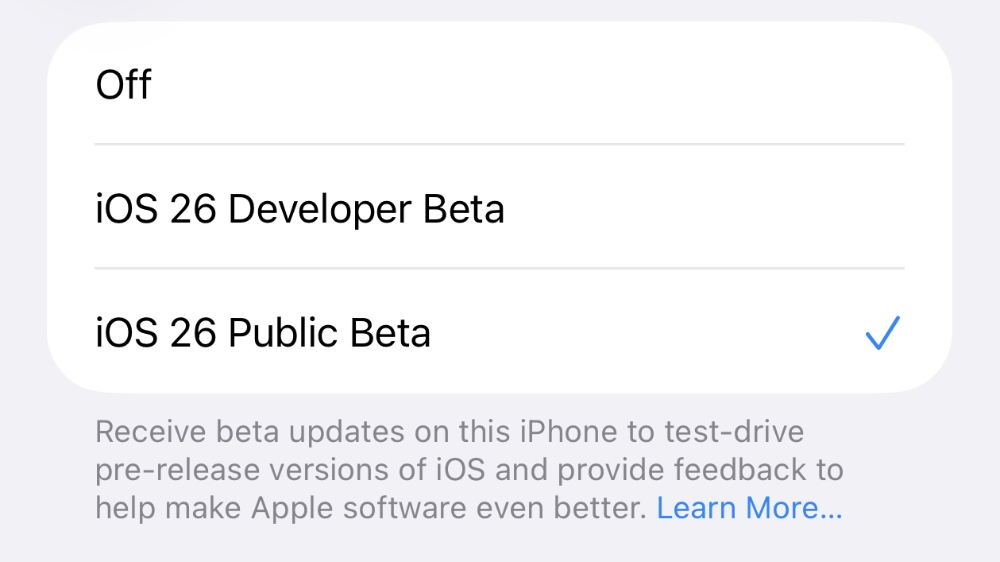
You can now download and install iOS 26.1 and iPadOS 26.1 from the Software Update page. Tap on Update Now and enjoy the latest software before everyone else.
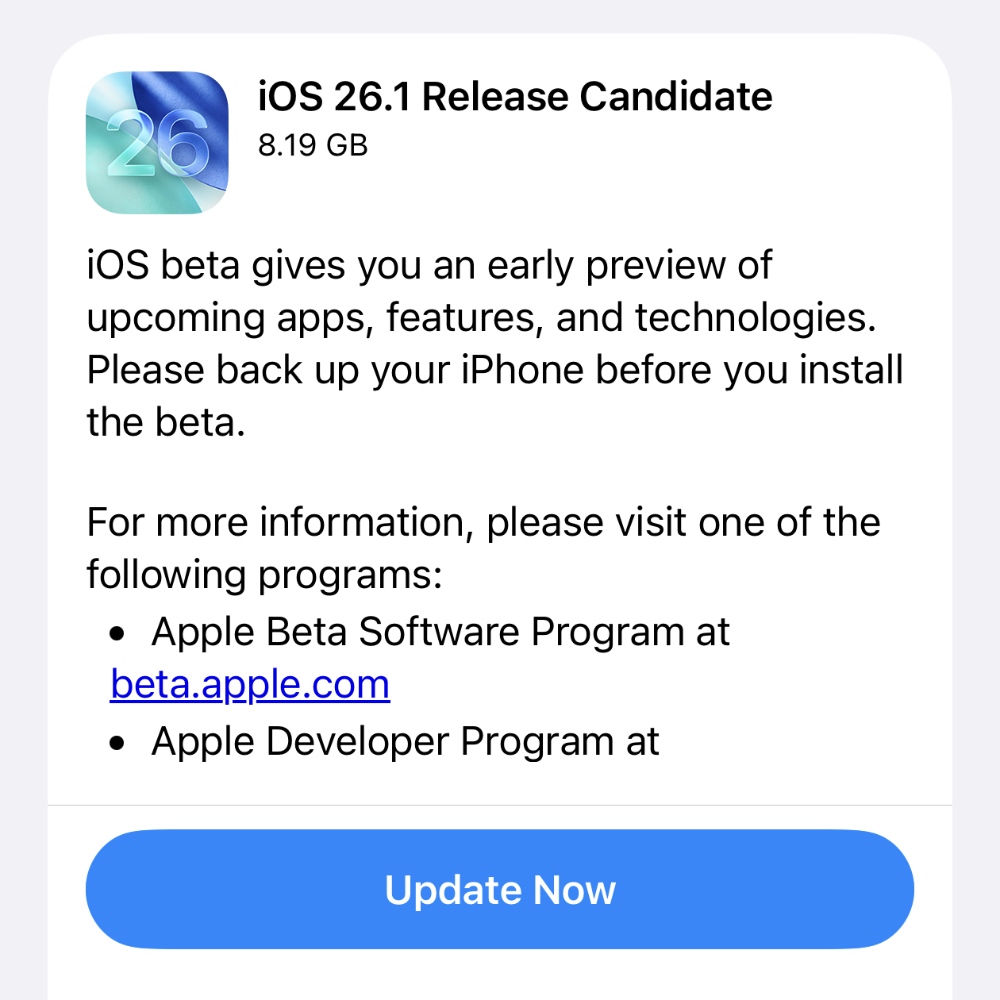
There is a chance Apple may release another release candidate if any last-minute issue is found.




