

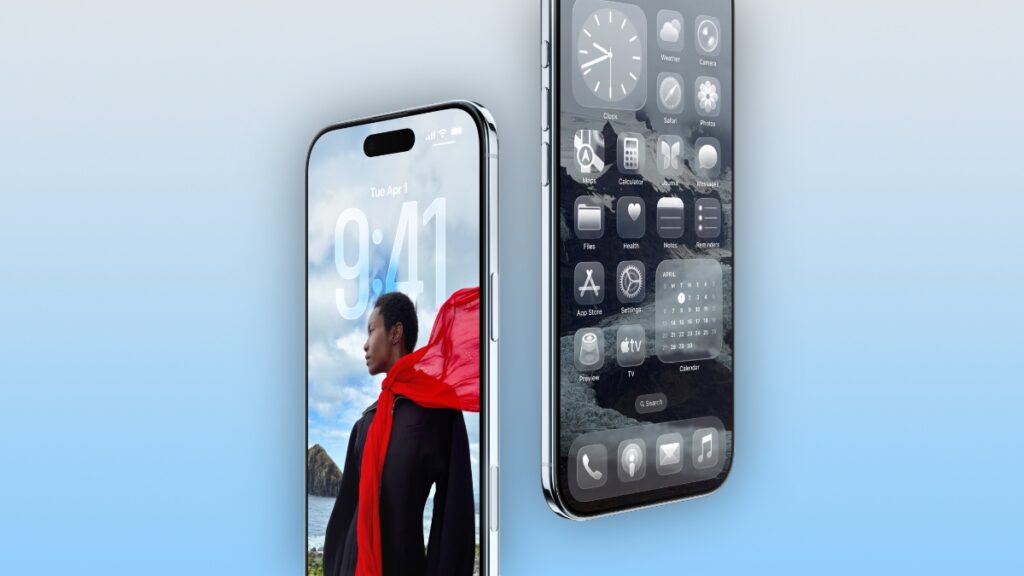

Here the top 3 tempered glass screen protectors you should get for your new iPhone Air smartphone with a 6.5-inch display.
Keep Your iPhone Air Display Looking Like New All the Time with a Great Screen Protector
The iPhone Air is a mesmerizingly thin phone, and so beautiful to look at. If you want to ensure that it looks that way all the time, then you might want to invest in a good screen protector.
There are tons to choose from right now, but I’m only going to tell you about the best tempered glass ones. No privacy or weird gradient protectors here – only real protection with ultra-clarity.
Spigen Glas.tR EZ Fit for iPhone Air
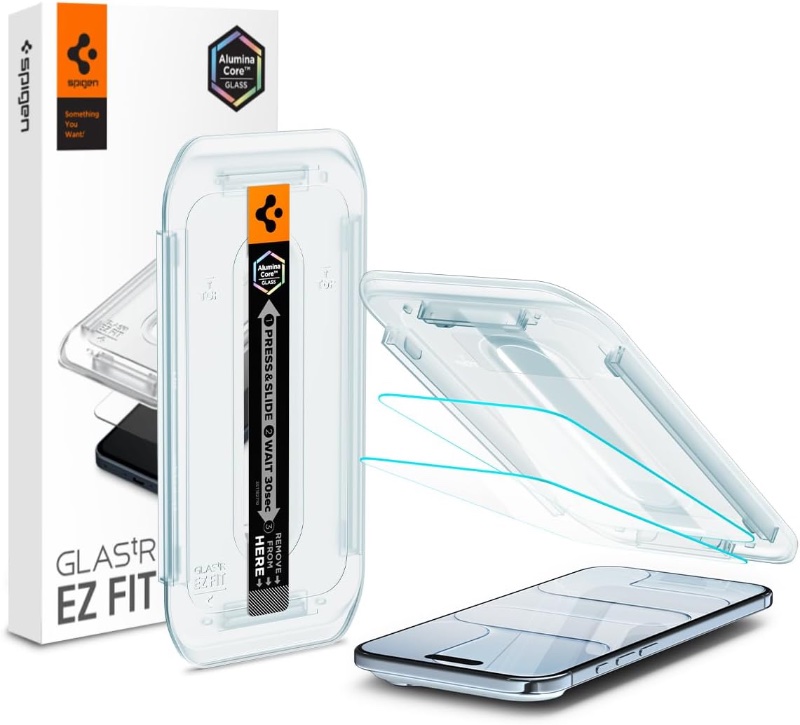
The Glas.tR EZ Fit has been around for so long, it’s hard to remember a world without it. With the protector available for iPhone Air as well, this means you get the same 9H+ hardness, super smooth touch performance, and an application tray that ensures you get the protector right in the first try.
Buy Spigen Glas.tR EZ Fit for iPhone Air
amFilm OneTouch for iPhone Air
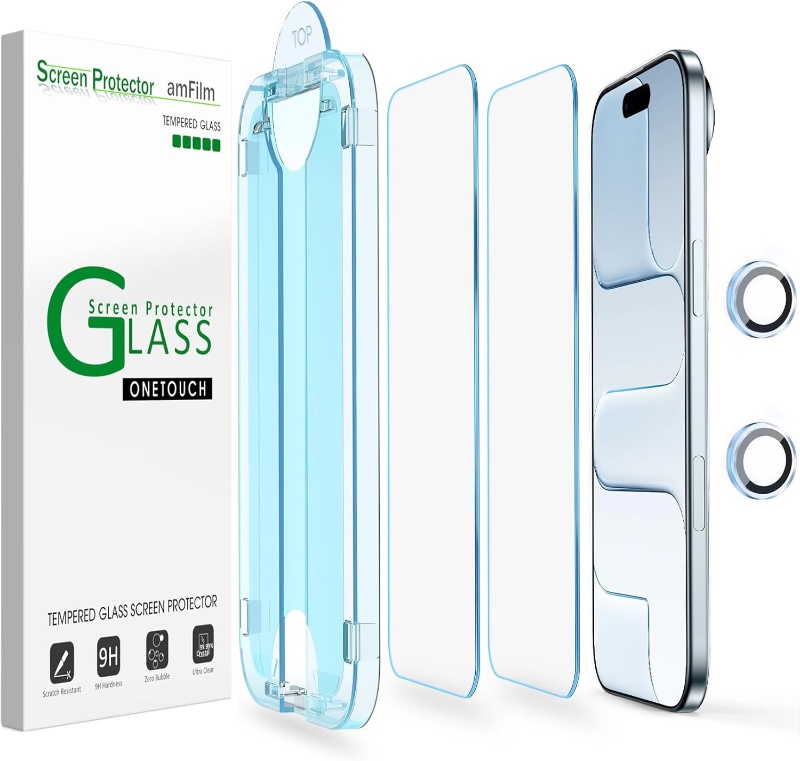
All-in-one screen protectors are the best, like this one from amFilm. Not only it’s priced right, but it will set you up to be protected from the front, as well as the back, because it comes with a camera lens protector too.
Add in the fact that it even includes an alignment frame is just an icing on the cake.
Buy amFilm OneTouch for iPhone Air
ESR UltraFit for iPhone Air
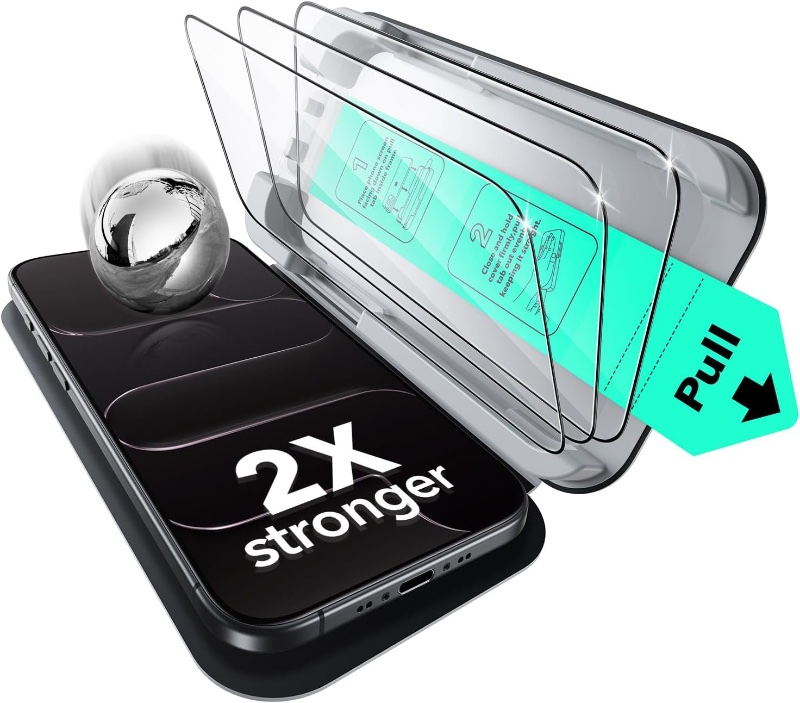
If there’s a long-running classic, it’s the UltraFit from ESR. It offers 9H hardness, dust-free application, full edge-to-edge coverage, and a silky smooth touch experience with every every swipe and scroll. What more do you need?
Buy ESR UltraFit for iPhone Air
This list may seem short, but I wouldn’t recommend anything else. These protectors have been available for a long time for other iPhone models, and they’ve managed to create a fan following of their own.
Why sway away and try something that may not work out, right?
Disclaimer: AnotherApple makes a small commission from anything sold using the included links.




