



Just give this shortcut a try on your Mac, and once you’re used to it, it’s like Do Not Disturb, but different. Let me explain.
Use the Full-Screen Keyboard Shortcut on the Mac to get Away from Clutter Instantly and Focus on Just One Task
Putting an app in full-screen mode is easy on a Mac. Just click the green traffic light button on the top left of a window, you’ll see an animation, and now you’re in full-screen mode.
Want to exit full-screen mode? Click the green traffic light button again.
If you want to do the same thing using your keyboard, just press the Command, Control and F keys together.
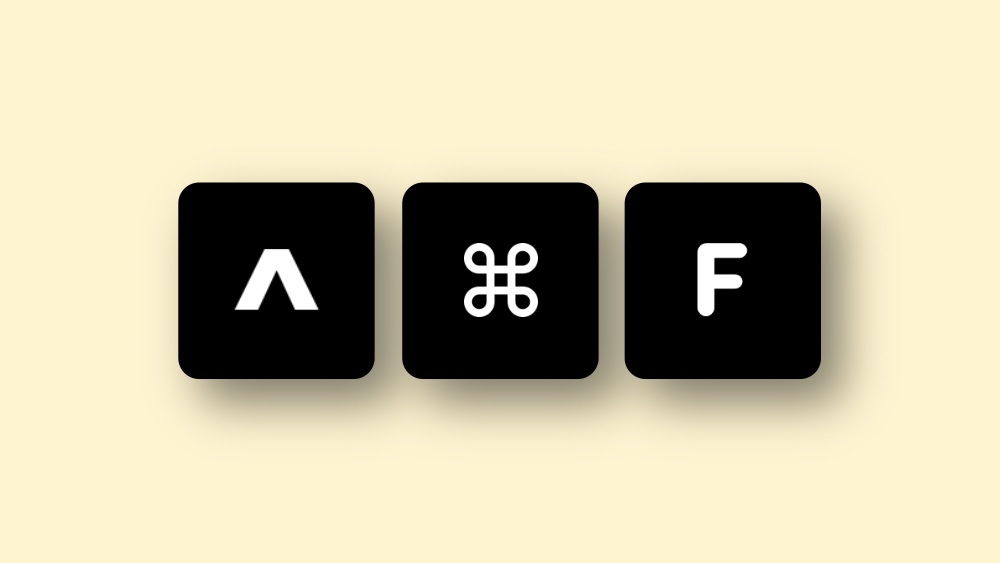
Though I’ve known this shortcut for a long time, lately I’ve started using it a lot and maybe you should too.
When I find myself with too many things on the display, and just want to focus on one task only, I immediately press Command+Control+F keys to make everything else go away.
It’s a solution for a time when everyone is talking to you, and you look at one person and say ‘just you.’
In terms of productivity, it helps me out a lot. Having too many windows on the display is a reminder that everything there needs your attention. Once you hit those shortcut keys, you’re temporarily pausing everything else until you sort a single task.
Give it a shot on your Mac right now and see if it works out for you in the same manner it does for me.




