

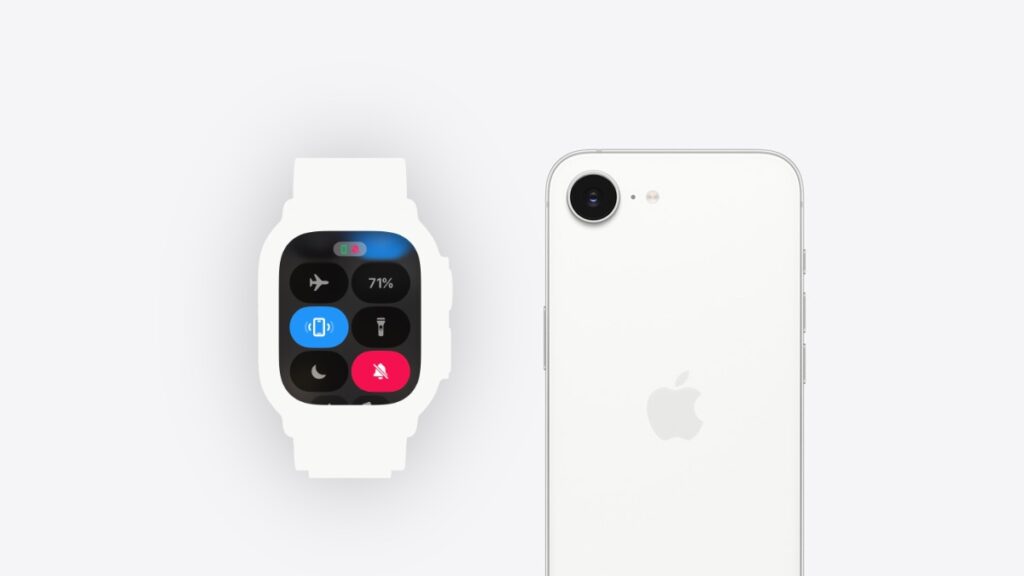

Here’s how you can find your iPhone using Apple Watch and make your phone’s LED flashlight blink at the same time.
Find Your iPhone Easily by Making its LED Flashlight Blink Right from Apple Watch
You can find your iPhone right from Apple Watch. Just bring up Control Center by pressing the Side button on Apple Watch, then tap on the ‘ping iPhone’ button. Your iPhone will instantly start to ring.
It’s one of those features you try out first when you are exploring your brand new Apple Watch.
Little do people know that there is more to this feature.
See, while the push of a button pings your iPhone so that you can hear where it is, there is an option to make your phone’s LED flashlight blink too, allowing you to easily reach it in a dark place or if it’s hidden away inside a bag or pocket.
How Does it Work?
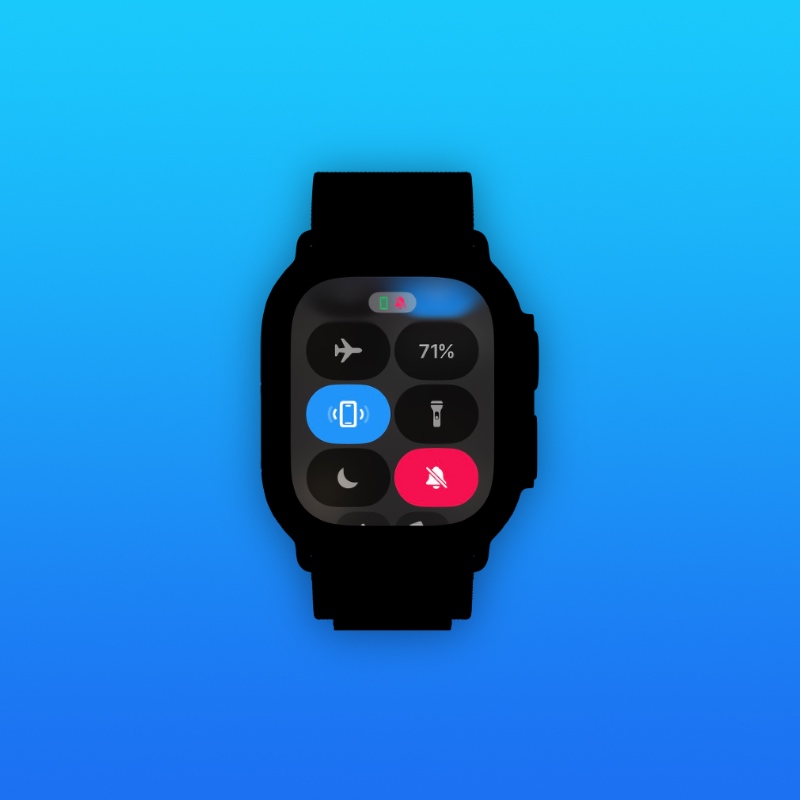
The work it works is actually quite simple. All you have to do is press-and-hold the ‘find iPhone’ button on your Apple Watch rather than just pressing it once. When you do that, you’ll instantly see the LED flashlight blink and hear the regular pinging tone as well.
Give it a try right now and see how it works.




