


Apple has released watchOS 11.6.1 update for Apple Watch with a redesigned Blood Oxygen feature for some models.
Blood Oxygen Monitoring Returns to Latest Apple Watch Models in the United States with watchOS 11.6.1 Update
If you live in the United States and happen to own the Apple Watch Series 9, Series 10, or the Apple Watch Ultra 2, you might have noticed that the Blood Oxygen feature is missing.
Today, Apple is redesigning the feature and is enabling it for devices sold in the United States.
Here’s the complete changelog of the update:
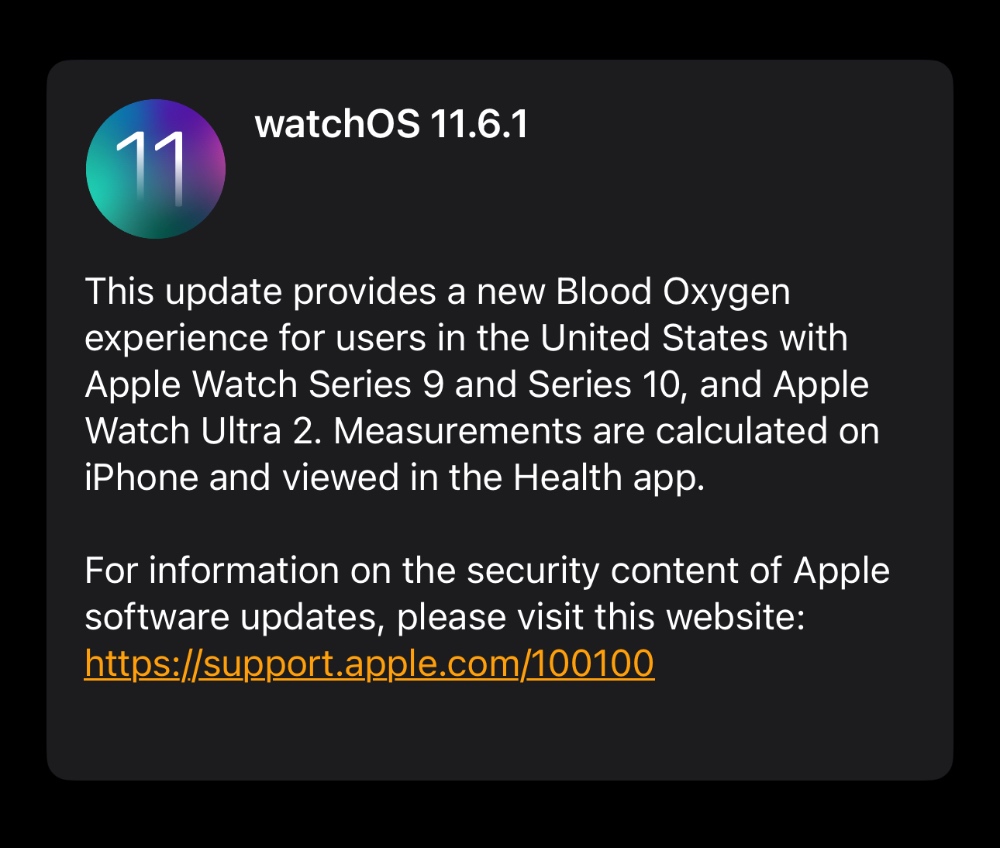
This update provides a new Blood Oxygen experience for users in the United States with Apple Watch Series 9 and Series 10, and Apple Watch Ultra 2. Measurements are calculated on iPhone and viewed in the Health app.
For information on the security content of Apple software updates, please visit this website: https://support.apple.com/100100
In order to download the update right now, just place your Apple Watch on its magnetic charger, launch the Watch app on your iPhone, then go to General, and then Software Update.
The moment you see the new watchOS 11.6.1 update, tap on Update Now and the download will begin immediately, and the installation shortly afterwards.
The Blood Oxygen feature will only work if your iPhone has the latest iOS 18.6.1 update installed as well. In order to do that, just go to Settings > General > Software Update, and tap on Update Now.




