

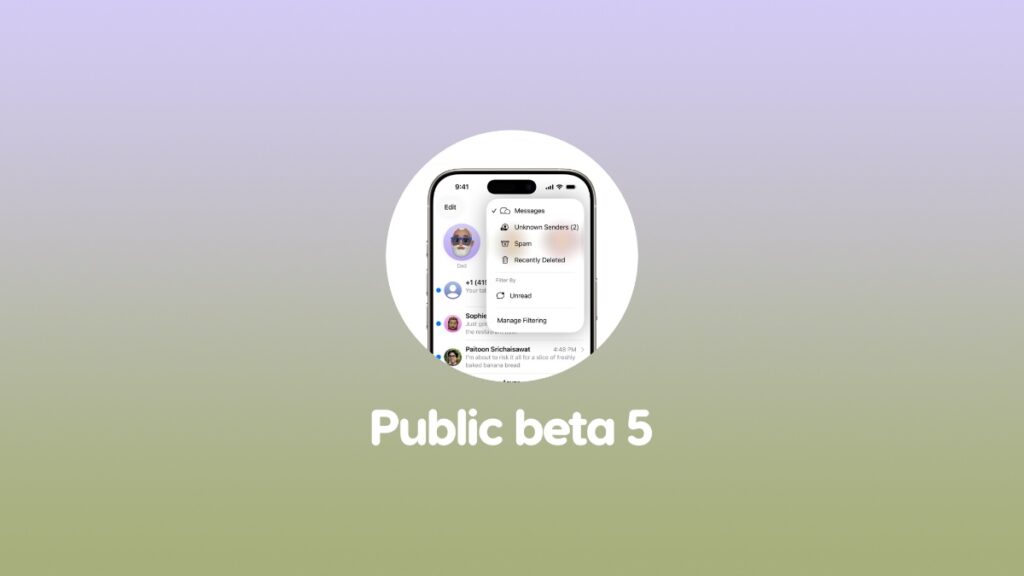

You can now download and install the iOS 26 and iPadOS 26 public beta 5 updates for your iPhone and iPad.
Public Beta 5 of iOS 26 and iPadOS 26 Now Available for Download with Same Changes as Developer Beta
Apple released developer beta 8 of iOS 26 and iPadOS 26 just a while ago, and now, the same build of software is available for public beta testers.
Those who have been testing out public beta 4 of iOS 26 and iPadOS 26 since the past one week, you can go ahead and download public beta 5 right away.
In order to do that, just follow these steps:
- Launch the Settings app on your iPhone or iPad.
- Go to General > Software Update.
- Tap on Update Now when public beta 5 shows up.
The installation may take a while which is completely normal for beta software updates.
If you’re interested in testing out the public beta, you will find all the details about it posted here.




