


Apple has released the new iOS 18.6.1 update for iPhone which enables Blood Oxygen on Apple Watch in the United States – download it today..
iOS 18.6.1 Enables Blood Oxygen Monitoring and Calculation from Apple Watch – Download it Today
The purpose of this update is simple: Apple is re-enabling the Blood Oxygen feature on some Apple Watch models in the United States, namely the Series 9, Series 10, and Ultra 2.
Instead of measuring and calculating the Blood Oxygen data on Apple Watch, Apple is doing everything on the paired iPhone. The Apple Watch will only be responsible for taking Blood Oxygen readings using the built-in sensors.
Once the data has been processed on the paired iPhone, you can view it in the Health app across your devices.
Here’s the complete changelog of the new update:
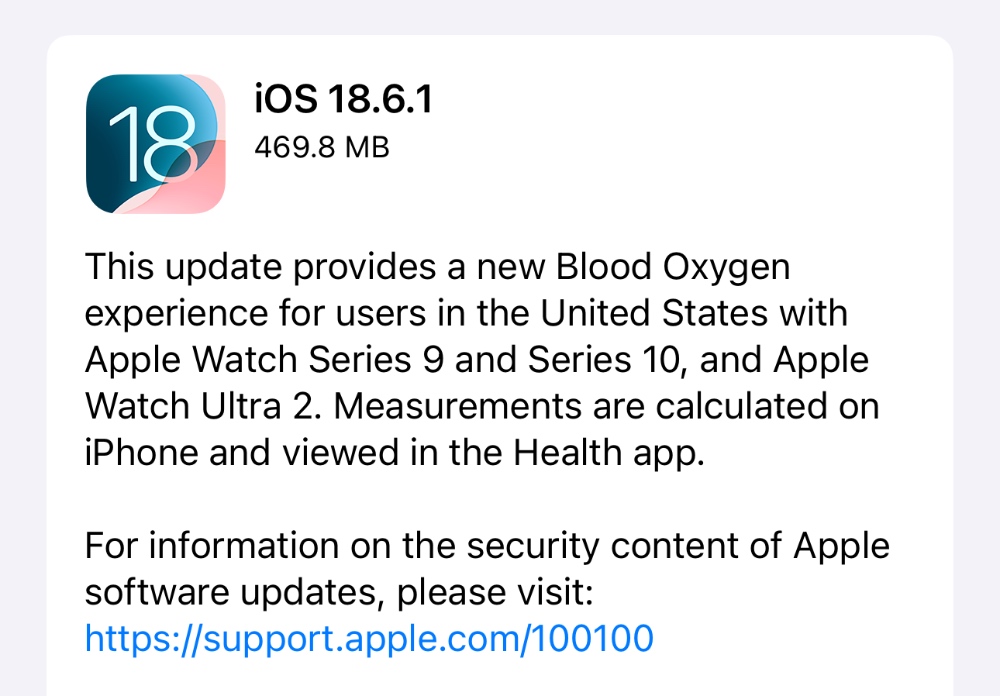
This update provides a new Blood Oxygen experience for users in the United States with Apple Watch Series 9 and Series 10, and Apple Watch Ultra 2. Measurements are calculated on iPhone and viewed in the Health app.
For information on the security content of Apple software updates, please visit:
https://support.apple.com/100100
In order to download and install the new iOS 18.6.1 update, you can do so by going to Settings > General > Software Update. Tap on Update Now when the update shows up.
You must download watchOS 11.6.1 as well in order to enable Blood Oxygen in the United States on your Apple Watch.
You can use the IPSW files in order to perform a clean installation of the update. But, you can make things easier by simply following this tutorial.
You can download the iOS 18.6.1 and iPadOS 18.6.1 IPSW files from the links below:
- iPhone 16e
- iPhone 16 Plus
- iPhone 16
- iPhone 16 Pro Max
- iPhone 16 Pro
- iPhone 15 Pro Max
- iPhone 15 Pro
- iPhone 15 Plus
- iPhone 15
- iPhone 14 Pro Max
- iPhone 14 Pro
- iPhone 14 Plus
- iPhone 14
- iPhone SE (3rd-generation)
- iPhone 13
- iPhone 13 mini
- iPhone 13 Pro Max
- iPhone 13 Pro
- iPhone 12 Pro Max
- iPhone 12, iPhone 12 Pro
- iPhone 12 mini
- iPhone SE (2nd-generation)
- iPhone 11 Pro, iPhone 11 Pro Max
- iPhone 11
- iPhone XR
- iPhone XS, iPhone XS Max
- iPad mini 7 with A17 Pro
- iPad Pro 11-inch (M4), iPad Pro 13-inch (M4)
- iPad (A16)
- iPad Air 11-inch (M3)
- iPad Air 11-inch (M2), iPad Air 13-inch (M2)
- 11-inch iPad Pro (4th-generation), 12.9-inch iPad Pro (6th-generation)
- iPad Air (5th-generation)
- 10.2-inch iPad (10th-generation)
- 11-inch iPad Pro (3rd-generation), 12.9-inch iPad Pro (5th-generation)
- iPad mini (6th-generation)
- 10.2-inch iPad (9th-generation)
- iPad Air (4th-generation)
- 10.2-inch iPad (8th-generation)
- iPad mini (5th-generation), iPad Air (3rd-generation)
- 11-inch iPad Pro (1st and 2nd generations), 12.9-inch iPad Pro (3rd and 4th generations)
- 10.2-inch iPad (7th generation)




