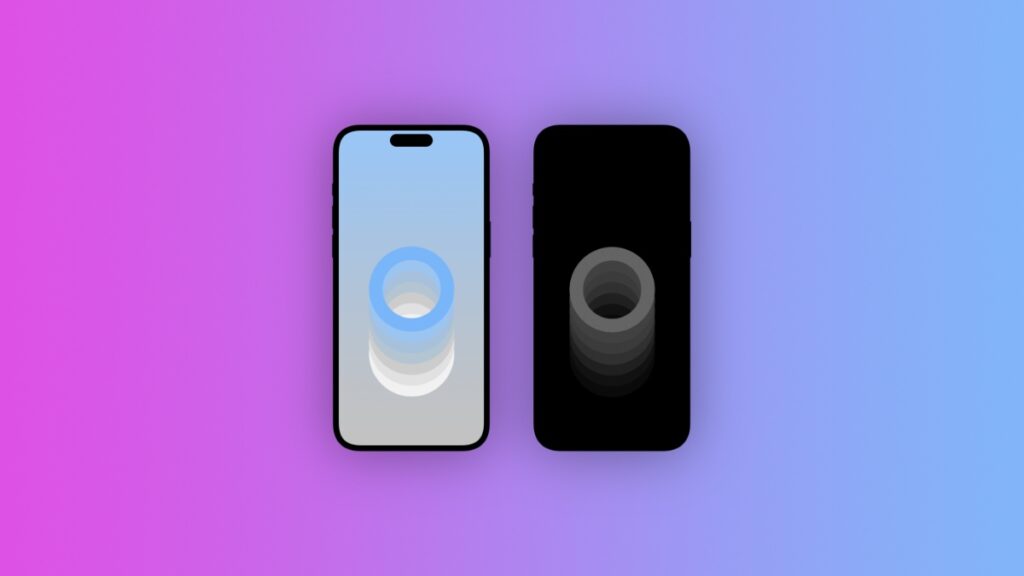

Download the Rising Rings wallpaper pack for the iPhone in both light and dark modes, and set the stage for a minimal setup.
Give Your Lock Screen a New Look with the Rising Rings Wallpaper Pack, Available Now for Free
I took inspiration from my own Rings wallpaper and decided to step things up a little, quite literally.
Rather than have the rings go diagonal, I wanted to see how they would look if I stacked them on top of each other. The result is quite interesting, but what I didn’t expect was the epic dark mode version of this wallpaper.
The background of the dark mode version is completely black, no gray at all, and the rings are in black and white. They look stunning on the OLED display of the iPhone. You really have to try it out before settling on anything.
On the other hand, you get a total of three light mode wallpapers, in the following colors: blue, pink, and purple. And all of the wallpapers use a slightly muted color tone, so that it does not take too much away from your Home Screen or Lock Screen setup.
You can always edit the wallpapers yourself if you want to achieve a specific look. Just throw them into the editing software of your choice and move those sliders around.
You can download the wallpapers in full quality by going to this link.
And oh, before you head out, check out my Wallpapers section. I try to post as regularly as possible and you’ll definitely find something interesting.